
Themes
A file manager that feels like yours
28 themes in light and dark, a window you can see through, backgrounds and colors for your folders, and the fonts you like to read.
- 28 themes
- Light and dark
- See-through window
7 days free with every feature, no account, no card. Then $49.99 once for up to 3 Macs, every future update included — no subscription.

In short
Folia Files comes with 8 themes and a gallery of 20 more, each in light and dark. The window can be see-through, each folder can have its own background image or color, folders get colors, symbols or emoji (shown in the Finder too on macOS 26 and later), and you choose the fonts, density and sidebar icons. Your settings can be backed up to iCloud or a folder.
Themes, and a gallery
Pick a theme, adjust its accent, its transparency and its corners, or start from one of the 20 themes of the gallery — one click installs it, and yours stay untouched.

Folders with a face
Give a folder — and its subfolders if you like — a background image or a color. Color a folder, put a symbol or an emoji on it: on macOS 26 and later, the Finder shows it too.

Read the way you like
Font, size and weight for the panes and the right sidebar, density, alternating rows, colored or monochrome sidebar icons. Everything is saved — to iCloud or to a folder — and restored on another Mac.
See it in action
-
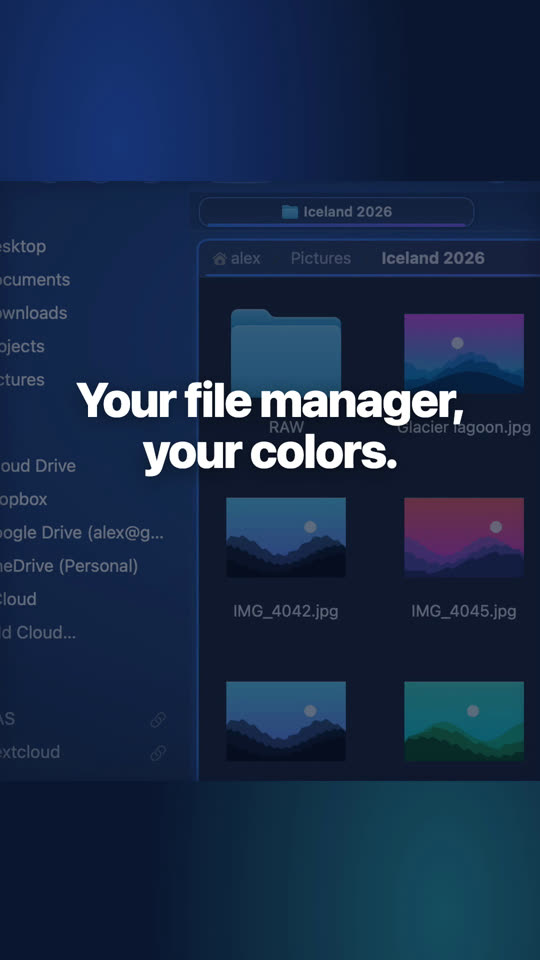
Make your file manager look like you
Ocean, dusk, forest, lavender… or your own colors, fonts, glass and folder backgrounds.

Questions
Yes, every theme and every customization is in both editions.

See for yourself, free for 7 days
Every feature, no account, no credit card. Then $49.99, once, every future update included — no subscription.