
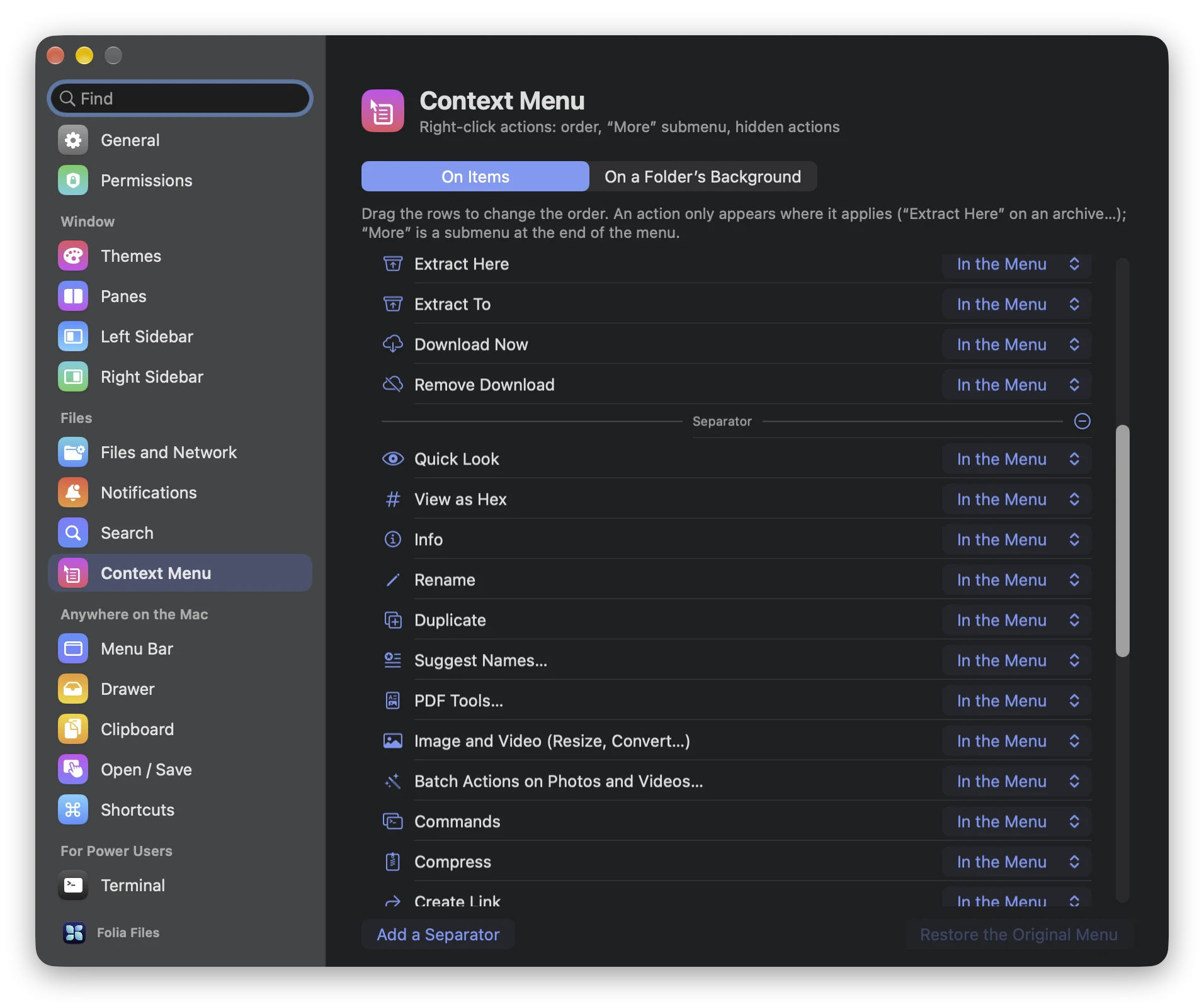
How to Customize the Right-Click Menu on a Mac
The Finder won't let you reorder or remove its right-click items. What macOS lets you change, how to add your own commands, and a menu you arrange yourself.
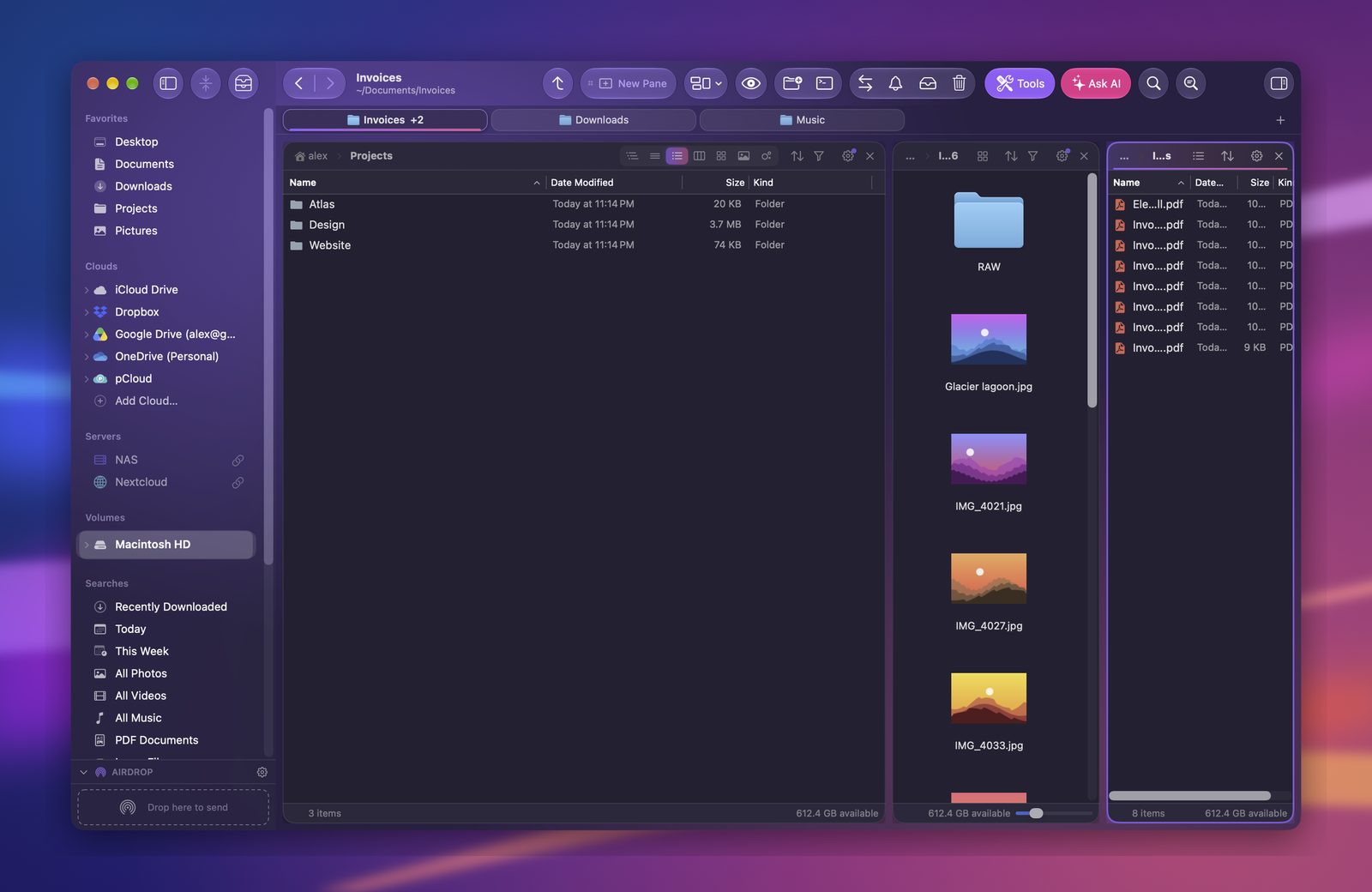
How to Merge Finder Windows Into Tabs, or Move a Tab to a New Window
Too many Finder windows? Merge them into tabs with one command, drag a tab out to give it its own window, and see how Folia Files moves tabs between windows.
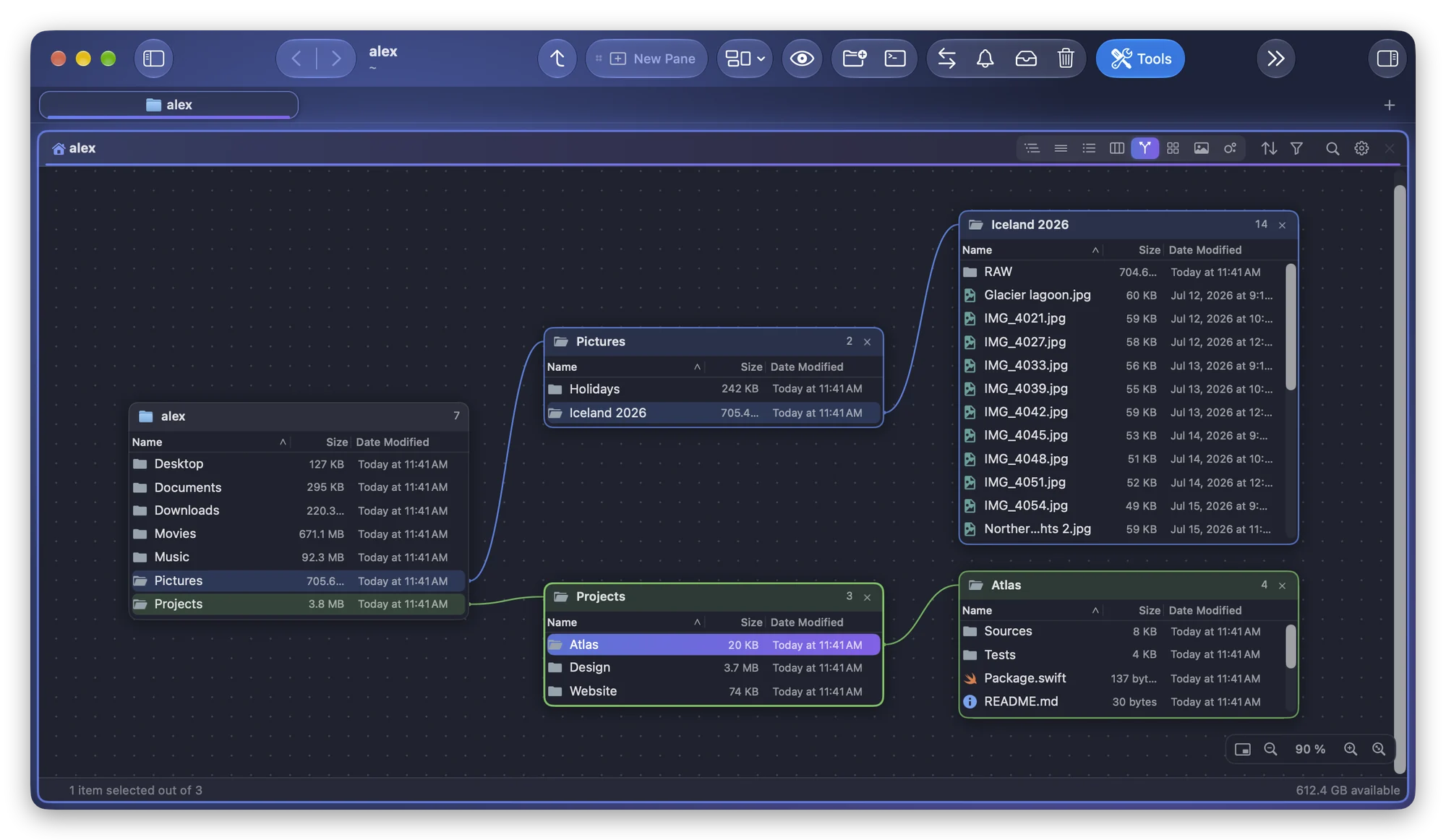
How to See a Folder and All Its Subfolders as a Map on a Mac
The Finder shows a folder's structure as a long list or one path of columns. See its subfolders side by side as a map with the Branches view of Folia Files.
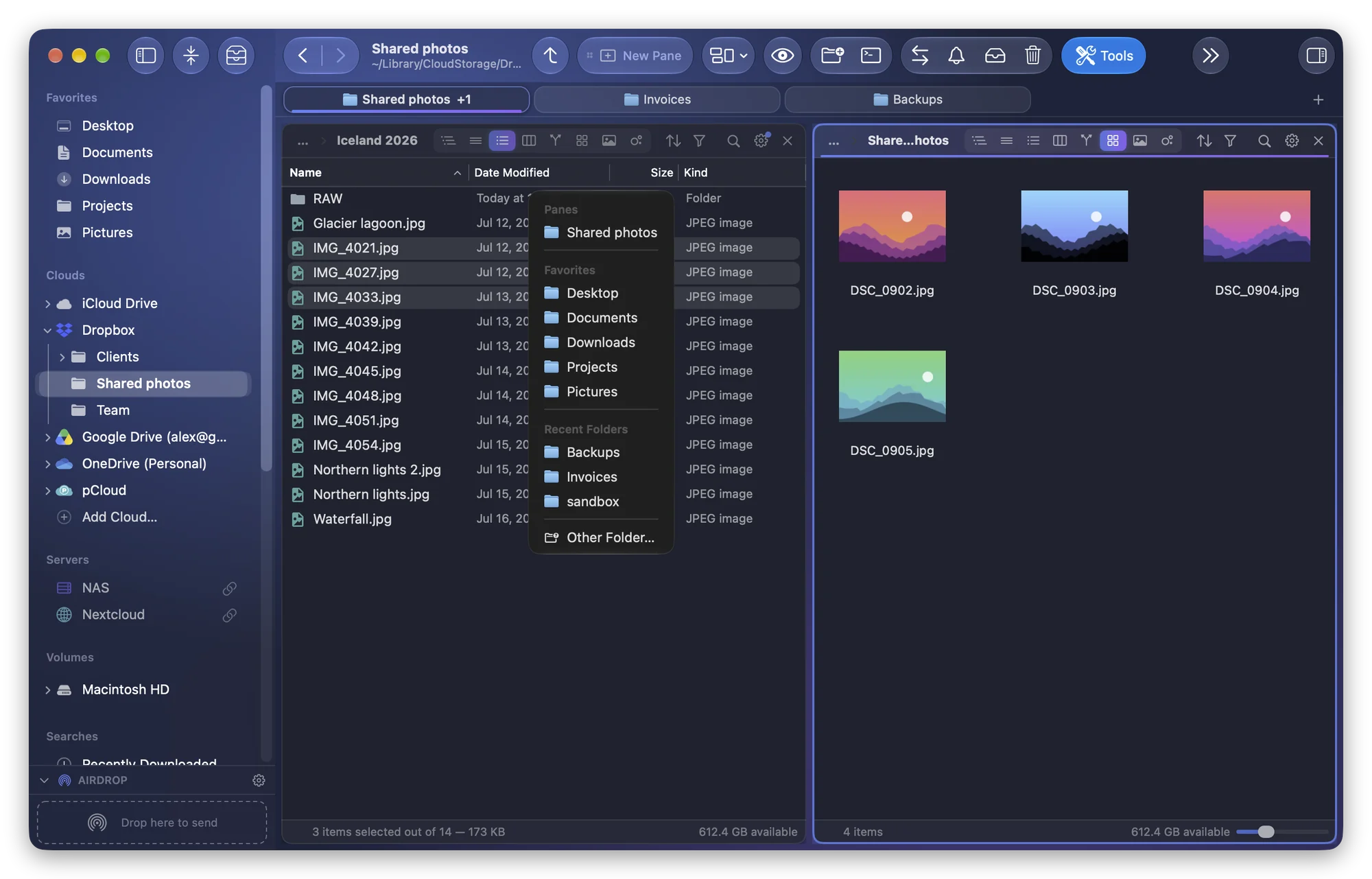
How to Copy or Move Files to Another Folder Without Dragging on a Mac
Dragging on a trackpad is fiddly. Copy or move files by keyboard in the Finder, or with Copy To, Move To, F5 and F6 in Folia Files, then undo with ⌘Z.
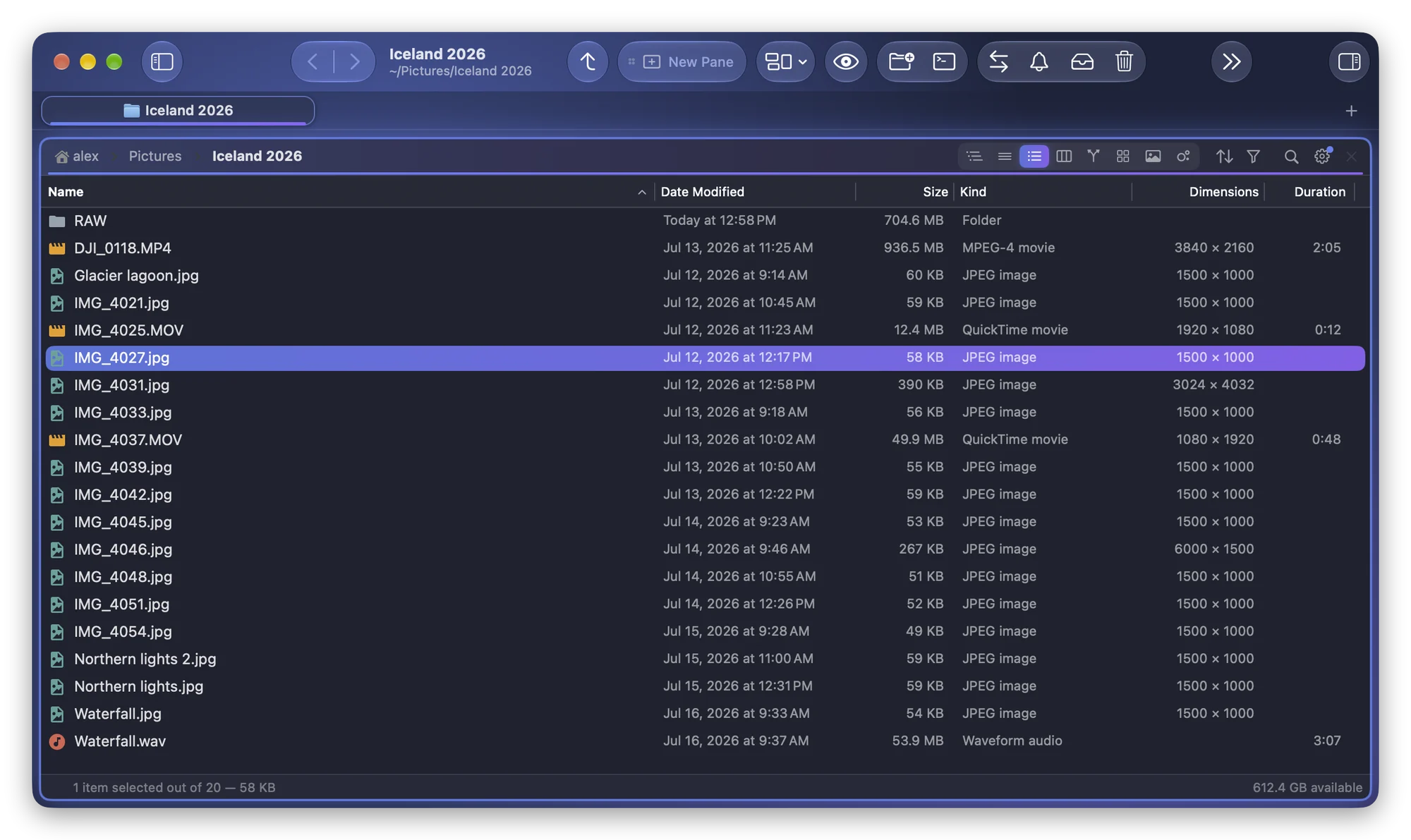
How to See Image Dimensions and Video Length in a Folder List on a Mac
The Finder's list view has no column for a photo's dimensions or a video's length. Where macOS shows them, and how to add both columns in Folia Files.
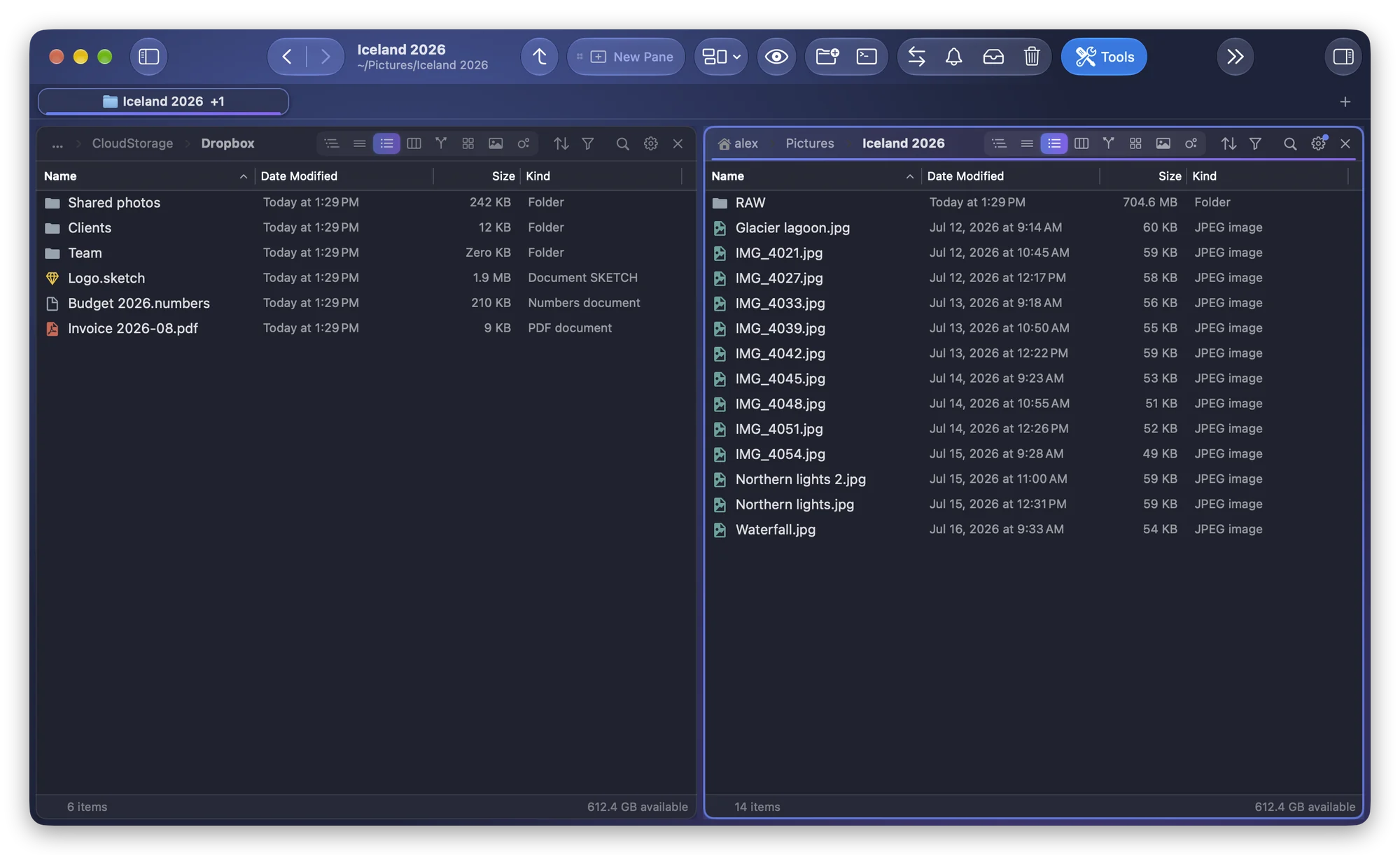
How to Keep Folders on Top When Sorting Files on a Mac
The Finder keeps folders above files only in windows sorted by name. How to turn that on, and how to keep folders first by date, size or kind in Folia Files.
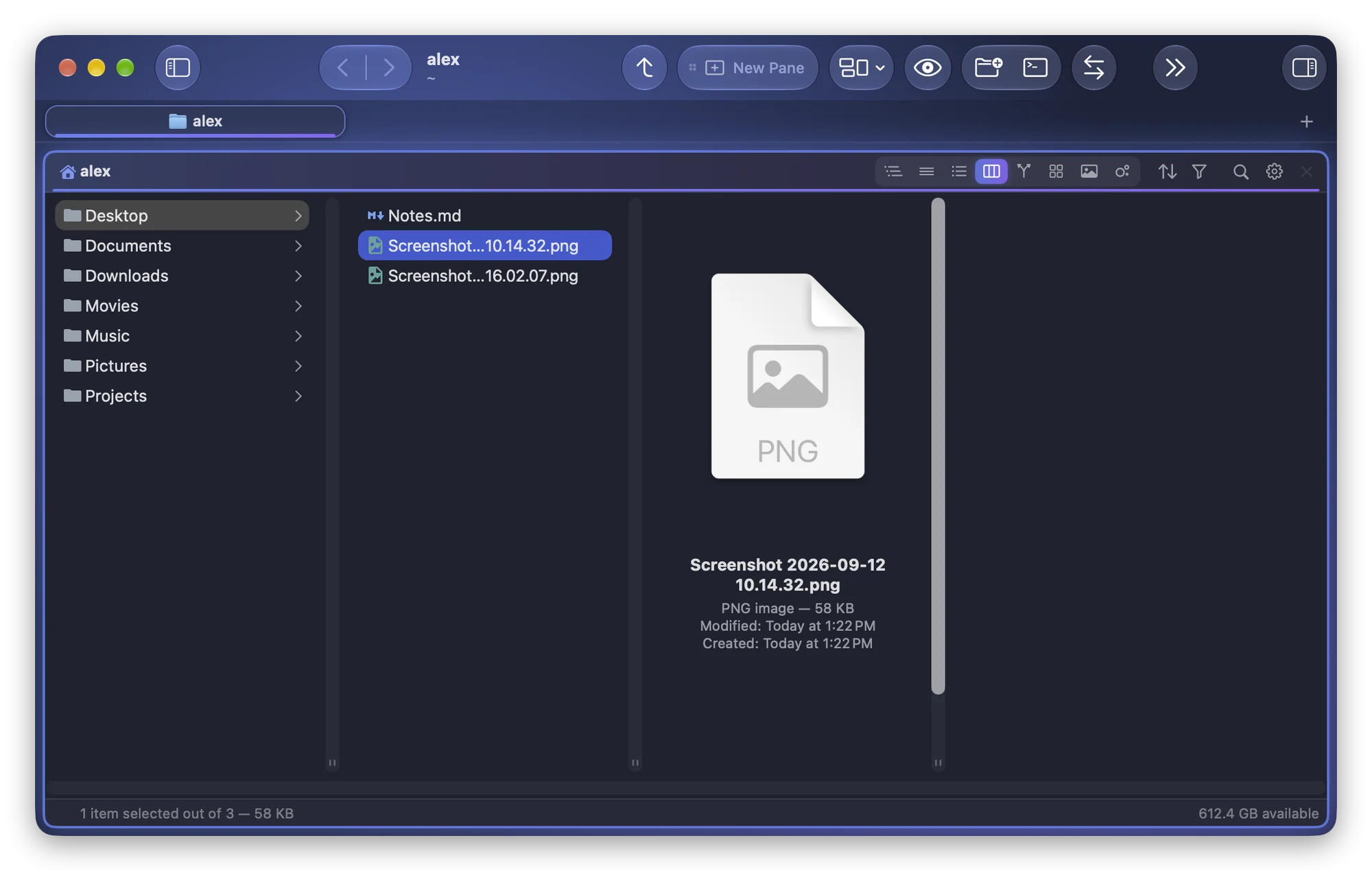
How to Stop Column View From Cutting Off File Names on a Mac
File names cut short in the Finder's column view? Widen one column or all of them, fit them to their names, and hide the preview column to save room.
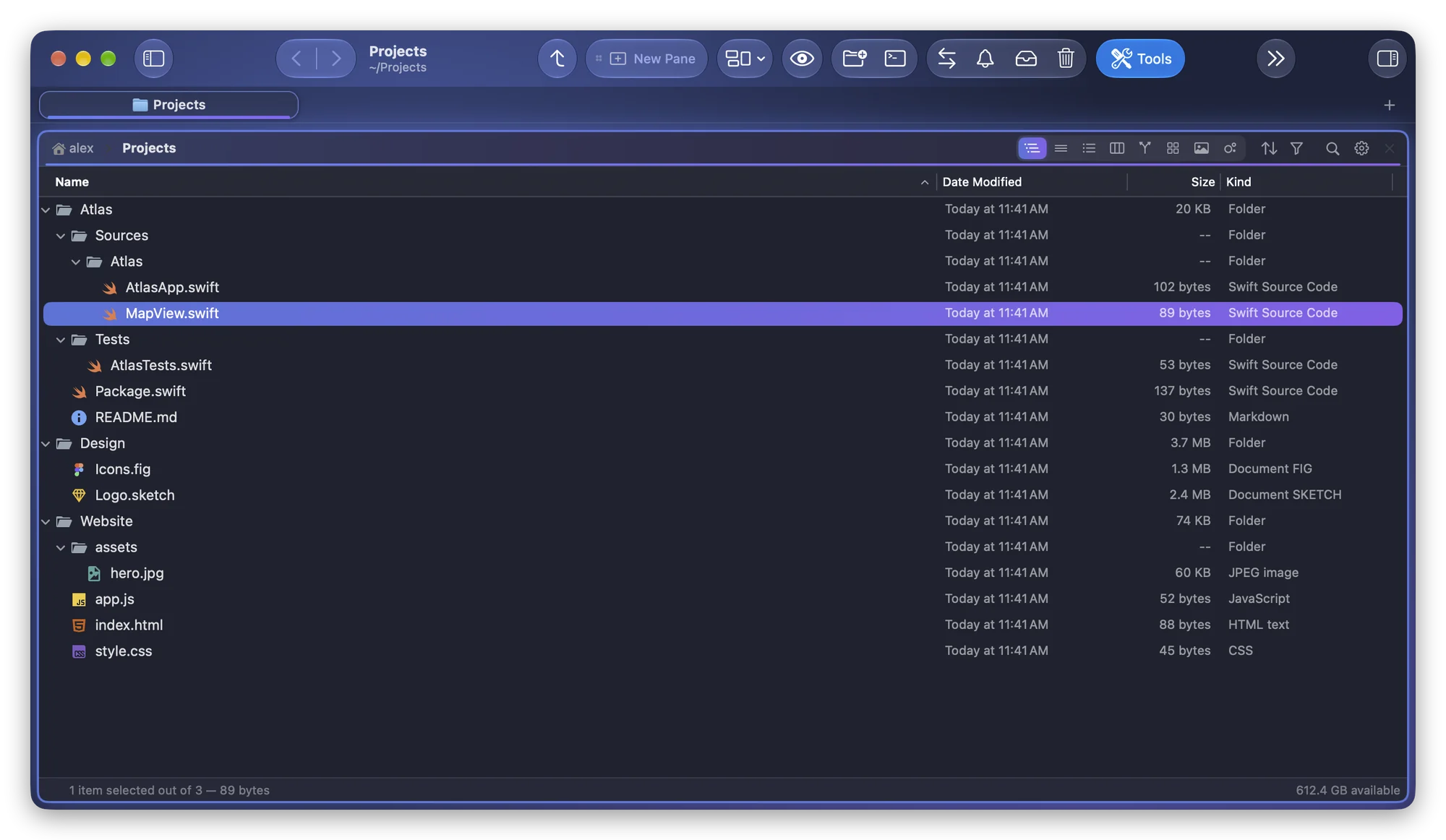
How to Open a Folder in VS Code, Cursor or Xcode on a Mac
Open the folder you're browsing in VS Code, Cursor or Xcode on a Mac: drop it on the Dock, type code . in a terminal, or use Open in Editor in Folia Files.
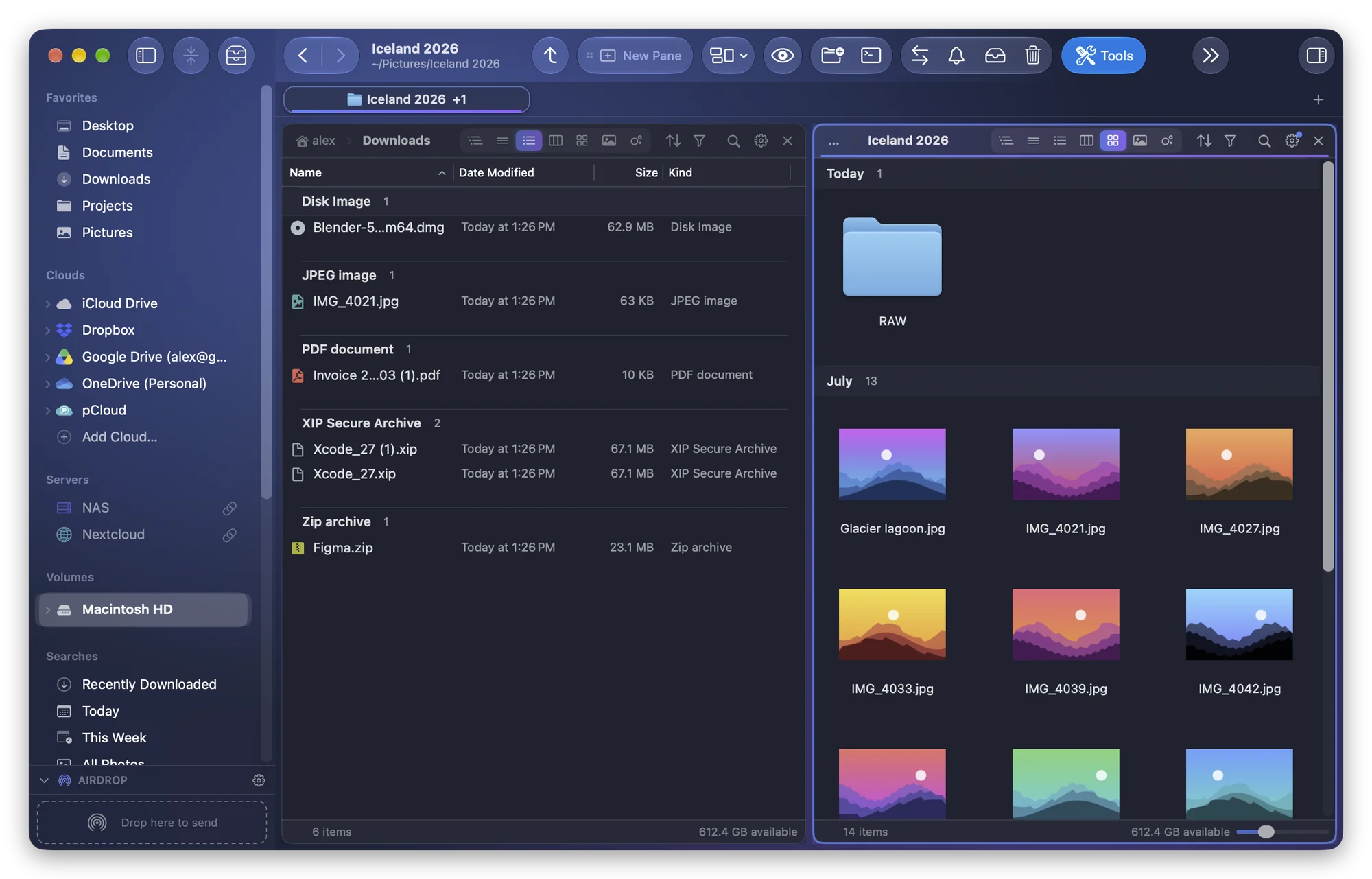
How to Group Files by Kind, Date or Size in a Mac Folder
Use Groups in the Finder splits a folder by kind, date or size. Here is how to group files on a Mac, and how to keep a grouping for a folder and its subfolders.
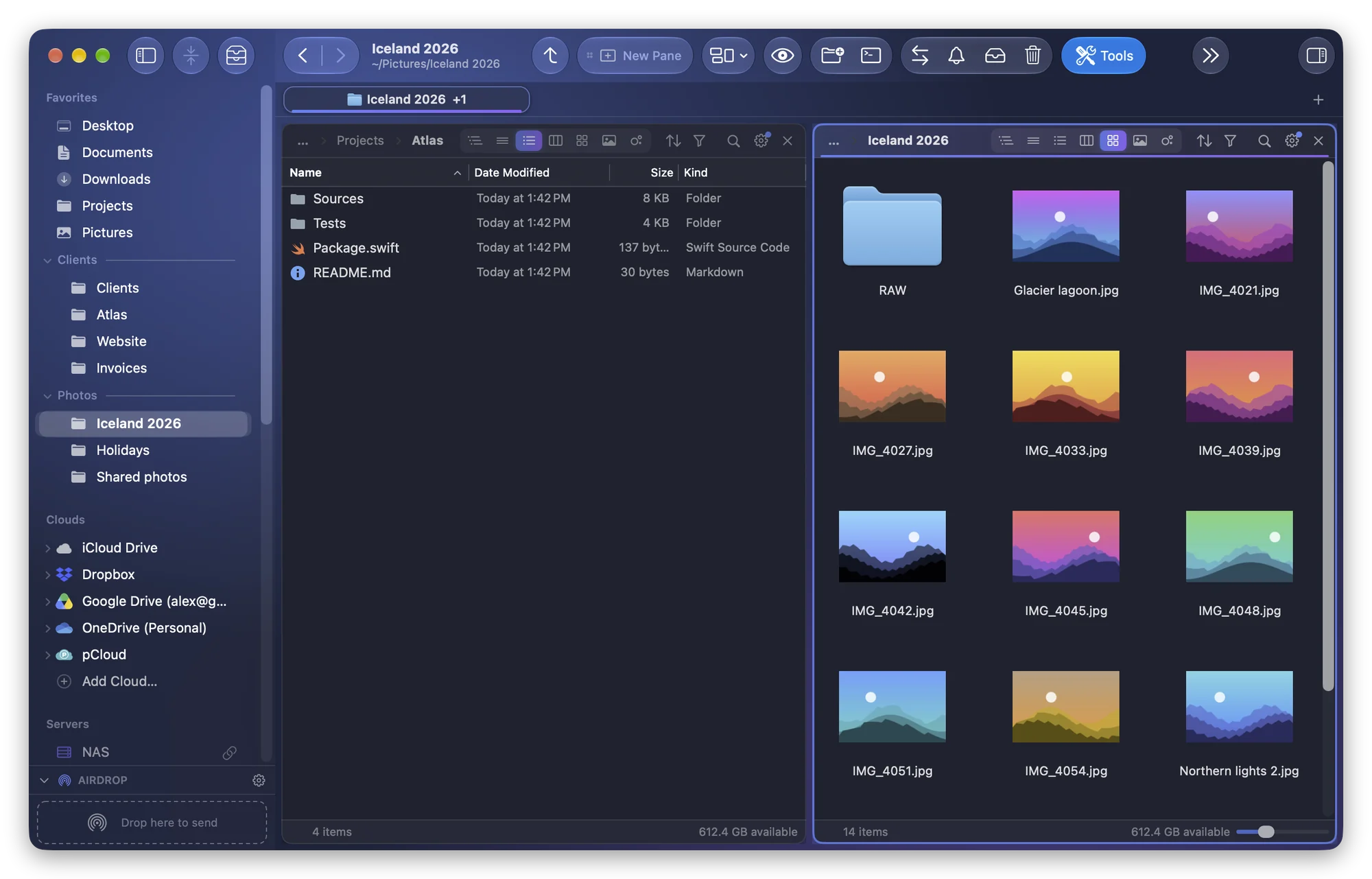
How to Organize Sidebar Favorites Into Sections on a Mac
The Finder sidebar keeps a single Favorites list. Here is how to tidy it, and how to group your folders into sections of your own, like Clients or Photos.
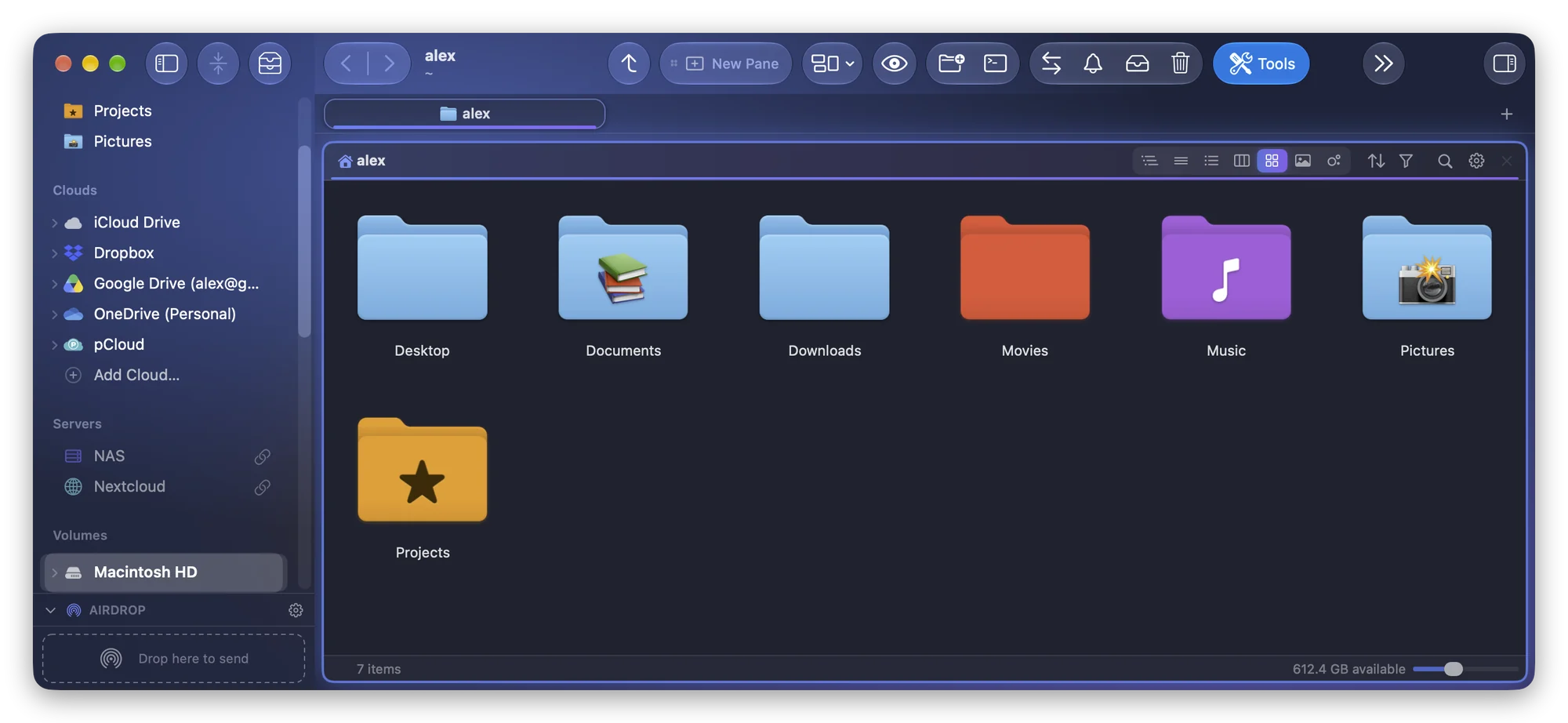
How to Change a Folder's Color or Icon on a Mac
On macOS Tahoe, the Finder puts a symbol or emoji on a folder and takes its color from a tag. How it works, its limits, and how to use any color or picture.
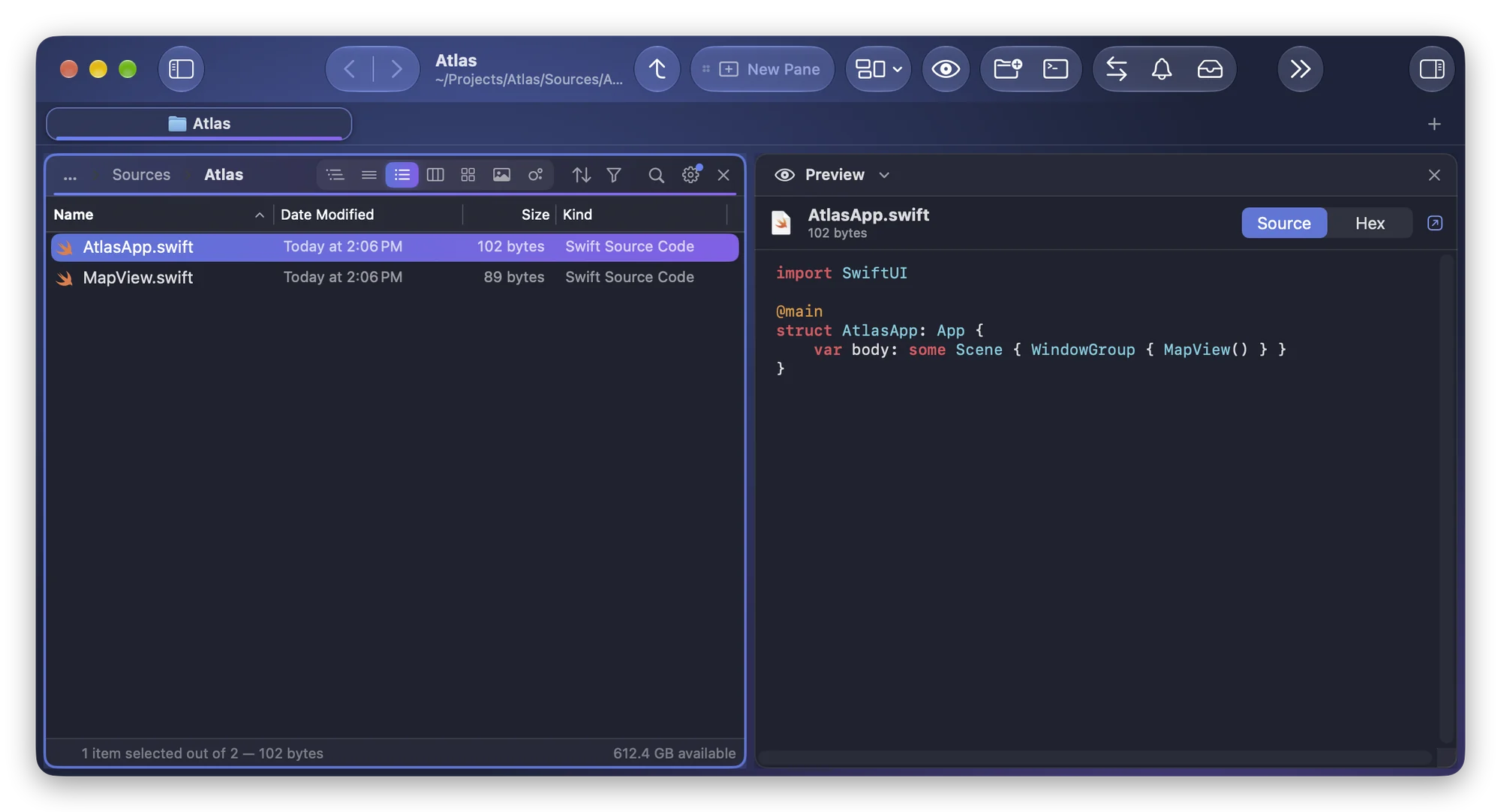
How to Preview Code, Markdown and ZIP Files With Quick Look on a Mac
Quick Look shows code and Markdown as plain text and a ZIP as a bare icon. Here's why, and how to get colored code, rendered Markdown and archive contents.
How to Show Folder Sizes in List View on a Mac
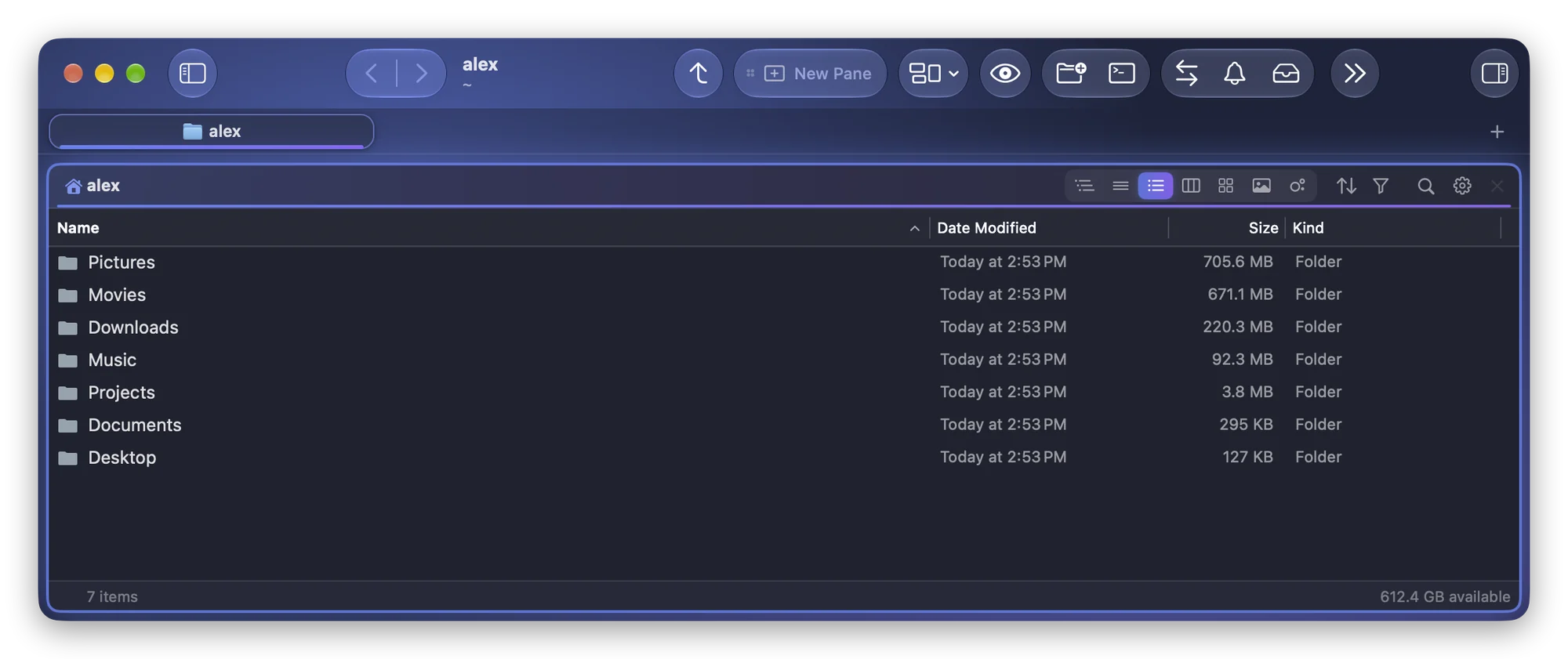
The Finder shows “--” for folders in list view. Turn on Calculate all sizes, or get every folder measured in the background, ready to sort by size.
How to Get to the Right Folder in Every Open and Save Dialog on a Mac
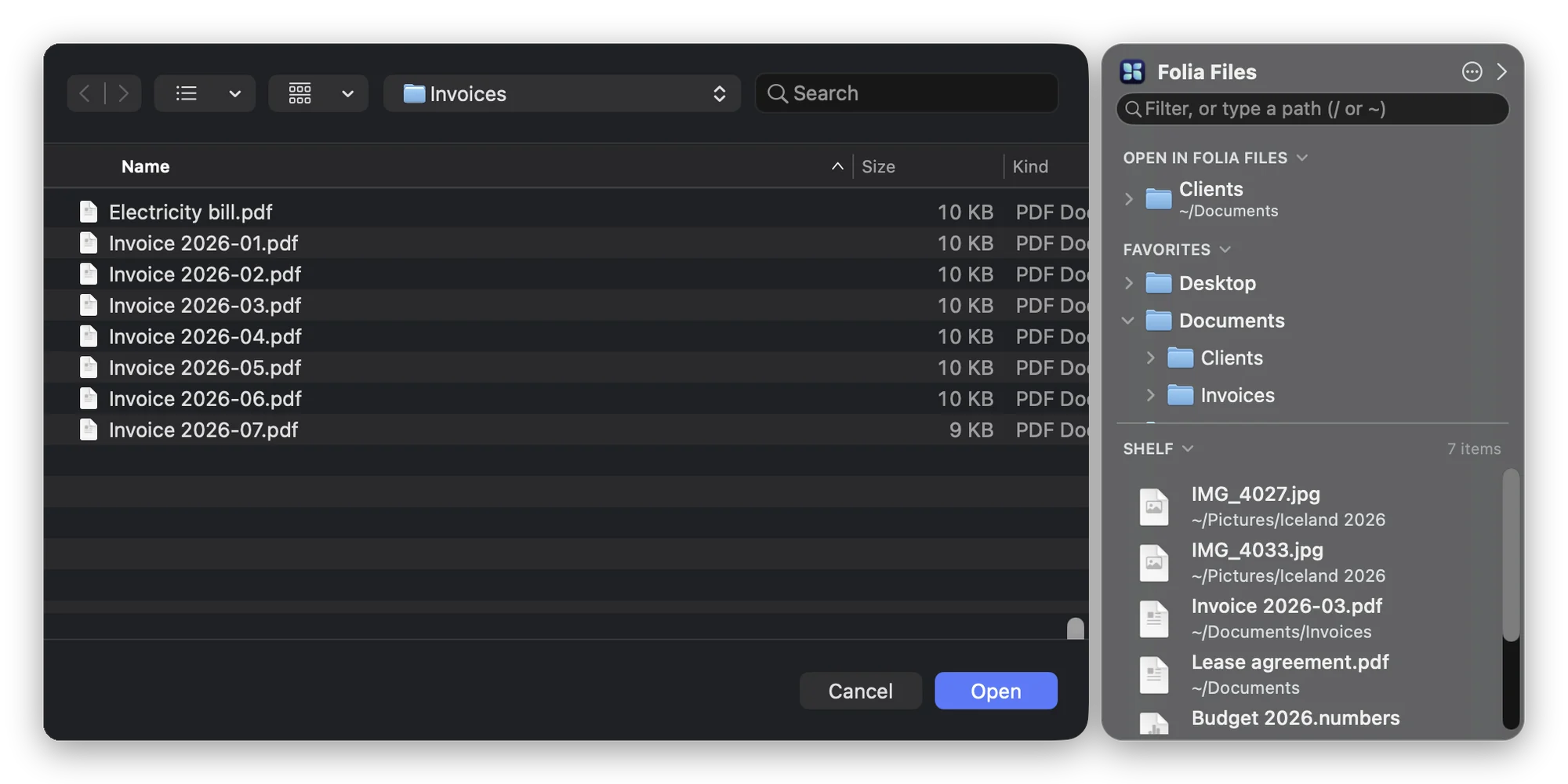
Open and Save dialogs stuck in the wrong folder? Use ⇧⌘G, drag a folder onto the dialog, use the sidebar, or keep your working folders beside every dialog.
How to Open Terminal in the Current Folder on a Mac
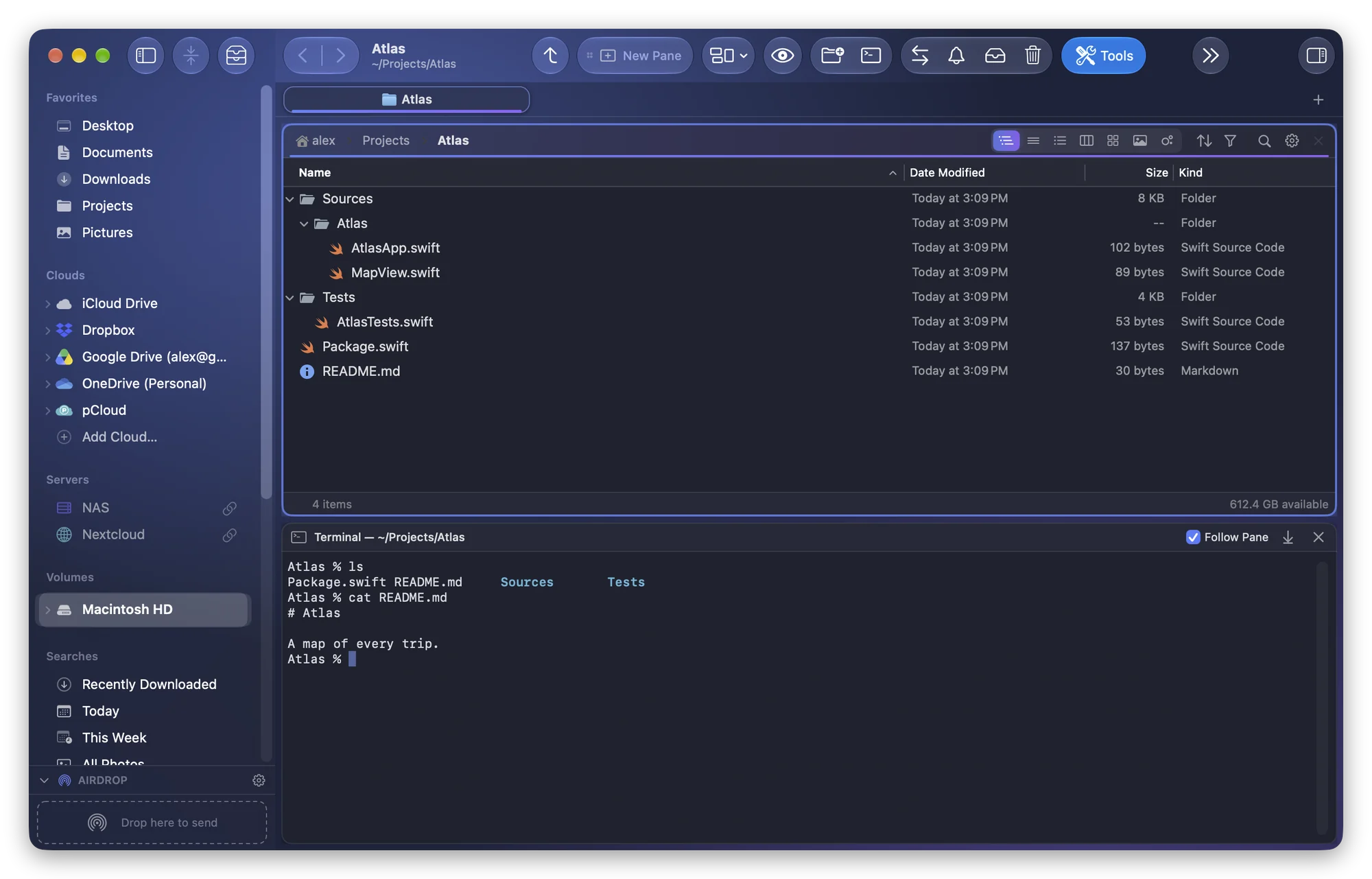
Open Terminal in the folder you are looking at: turn on the Finder's New Terminal at Folder service, drag the folder in, or keep a terminal that follows it.
How to Merge Two Folders on a Mac Without Losing Files
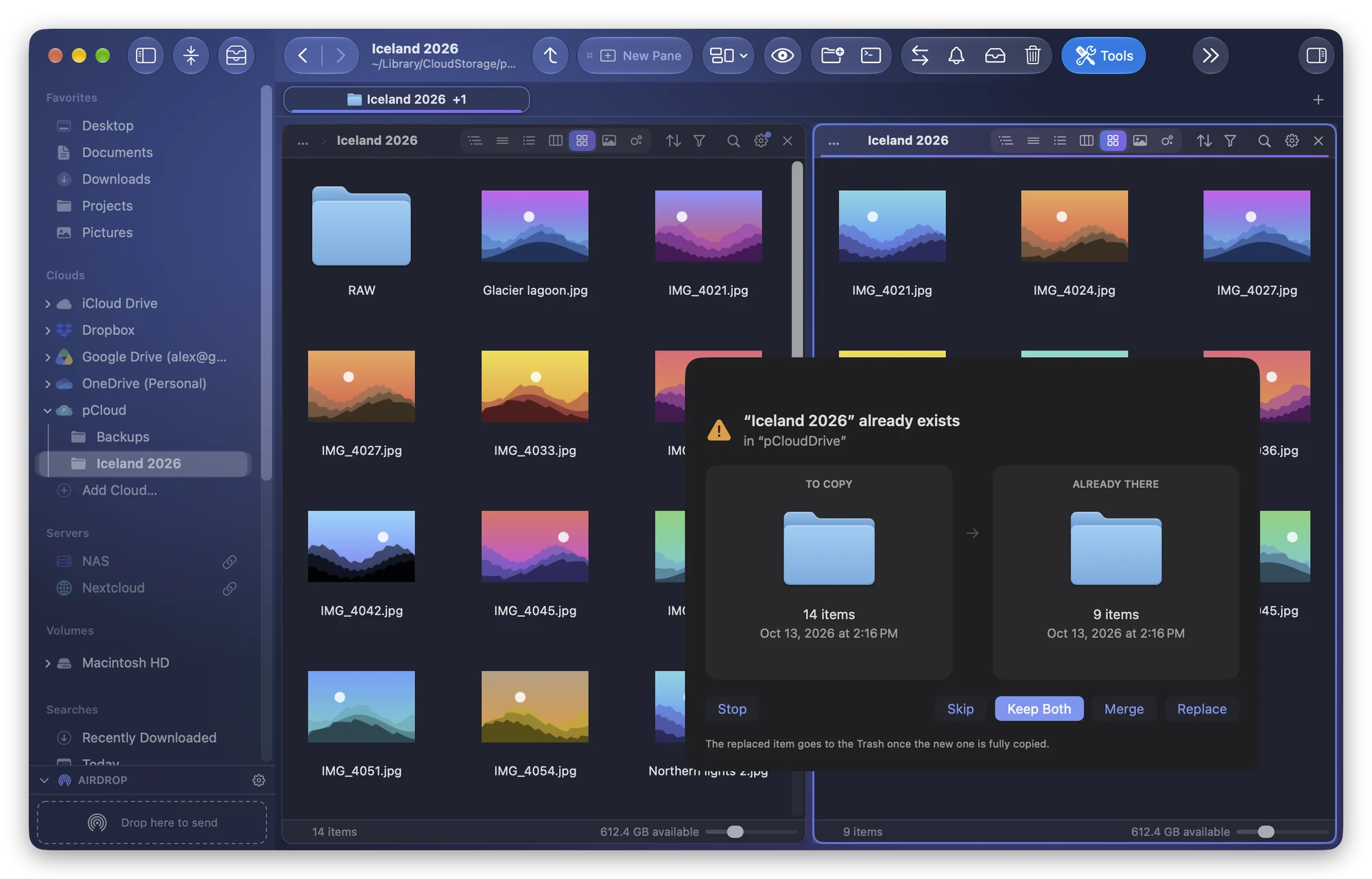
The Finder offers to replace a folder that has the same name as the one you drag. How to merge them instead: Option-drag, ditto, rsync or Folia Files.
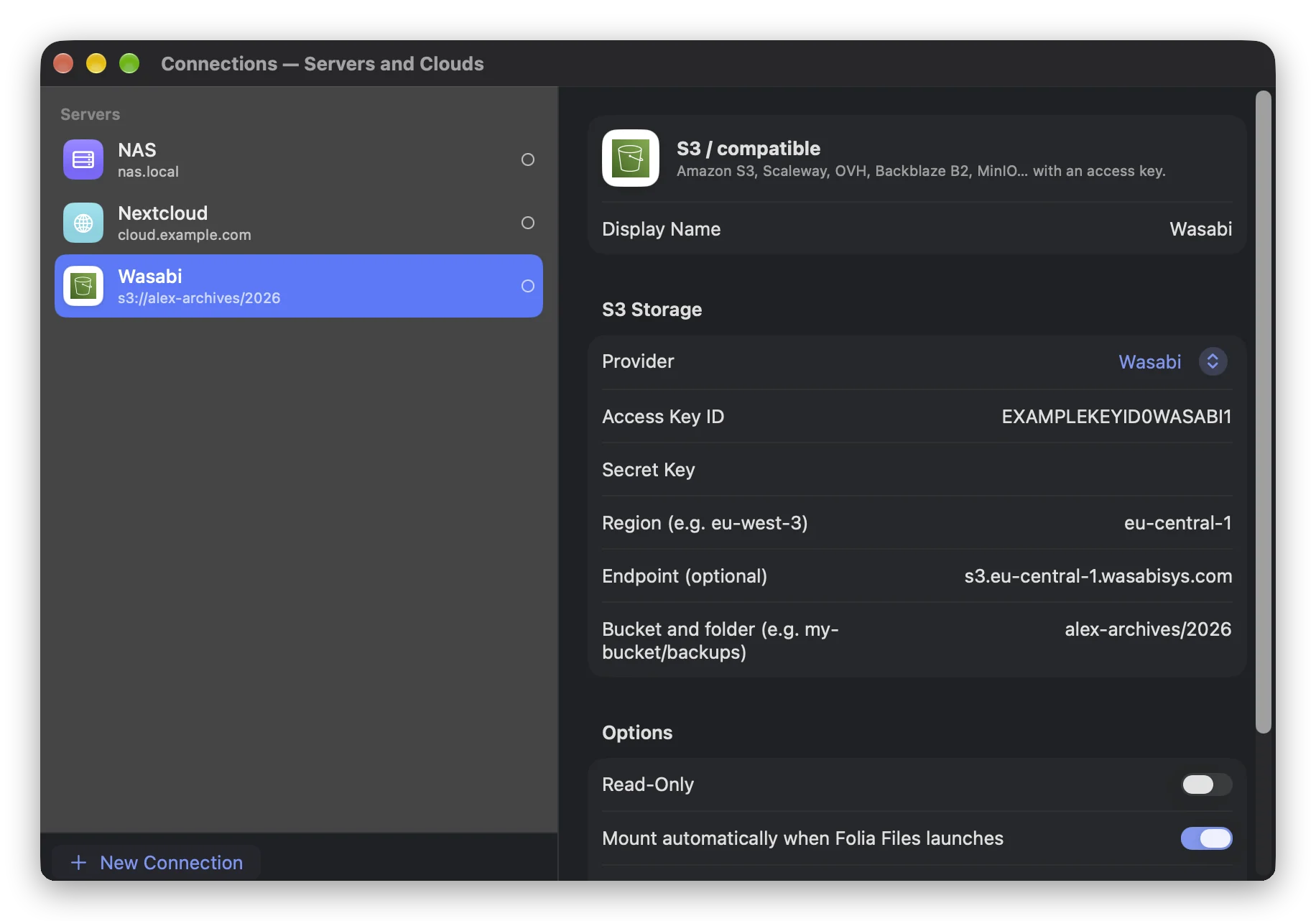
How to Mount an Amazon S3 Bucket as a Disk on a Mac
macOS can't mount S3 on its own. Here's how to mount an Amazon S3, Backblaze B2 or Wasabi bucket as a disk: free with rclone, or with Folia Files. No macFUSE.
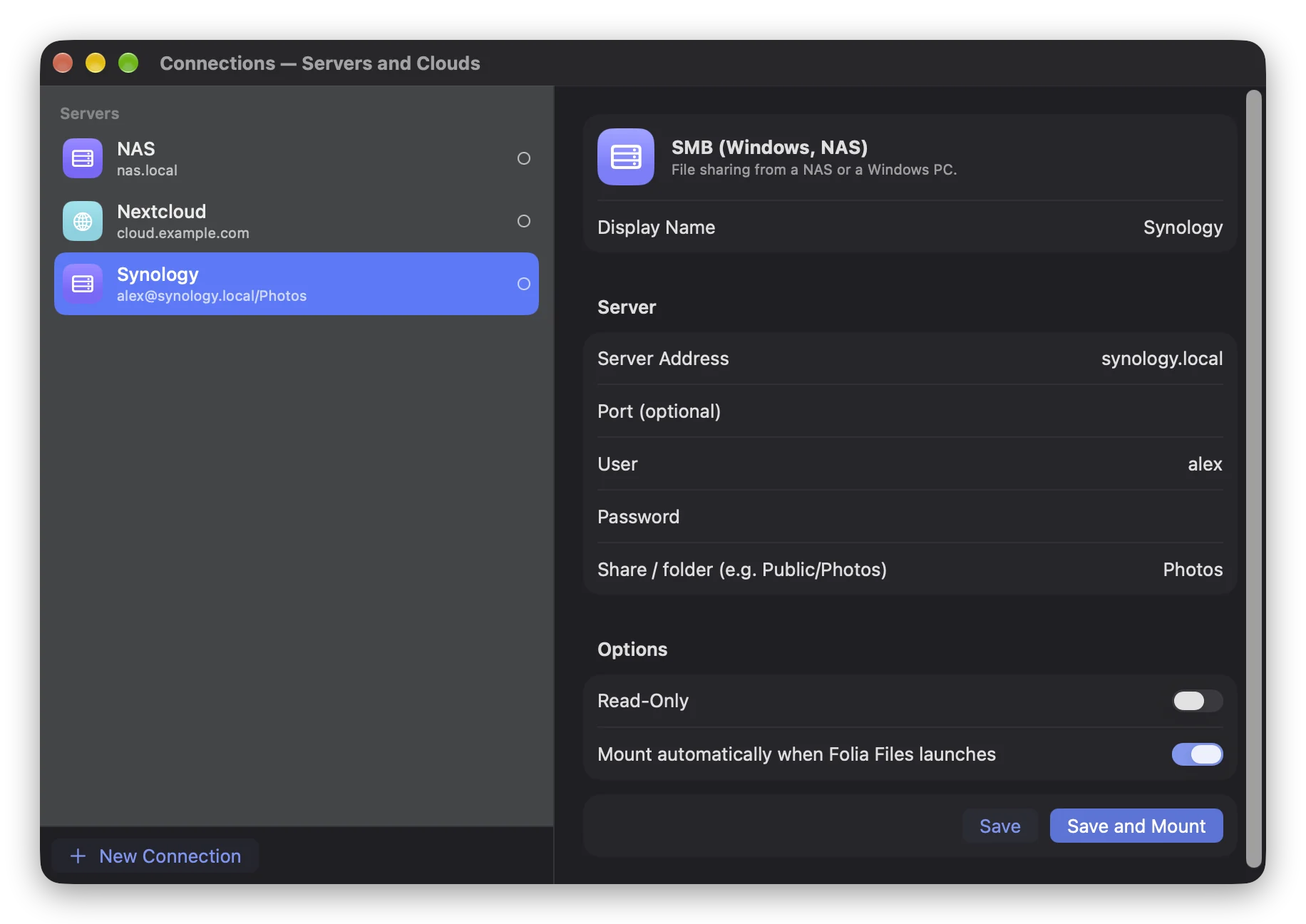
How to Connect to an SMB Share on a Mac and Reconnect at Login
Connect to a NAS or Windows share with Connect to Server, keep its password in the keychain and remount it at each login. Plus saved connections in Folia Files.
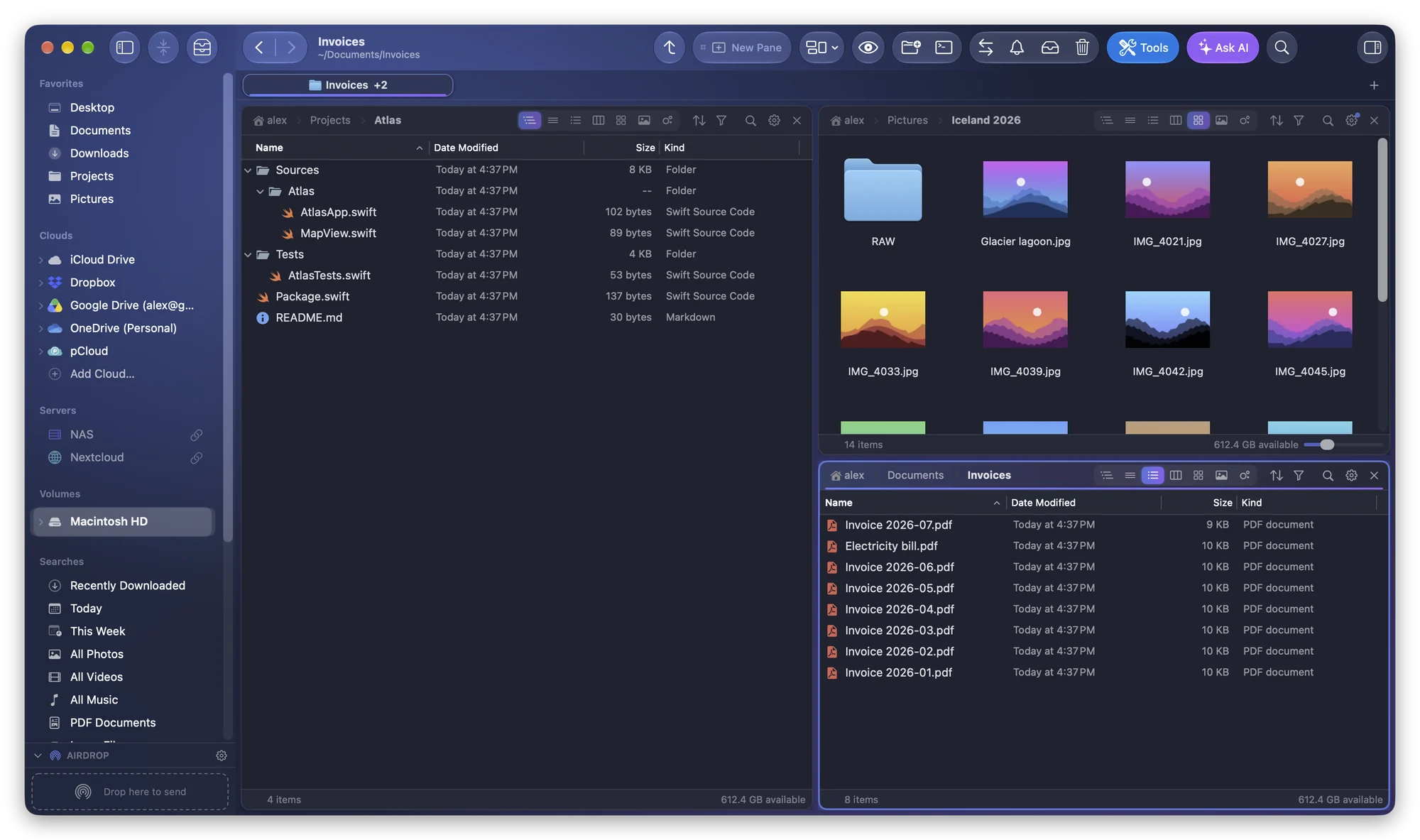
How to Automate File Tasks With the Shortcuts App on a Mac
What the Shortcuts app can do with files on its own, how automations run it on macOS Tahoe, and the Folia Files actions for scenes, rules, syncs and backups.
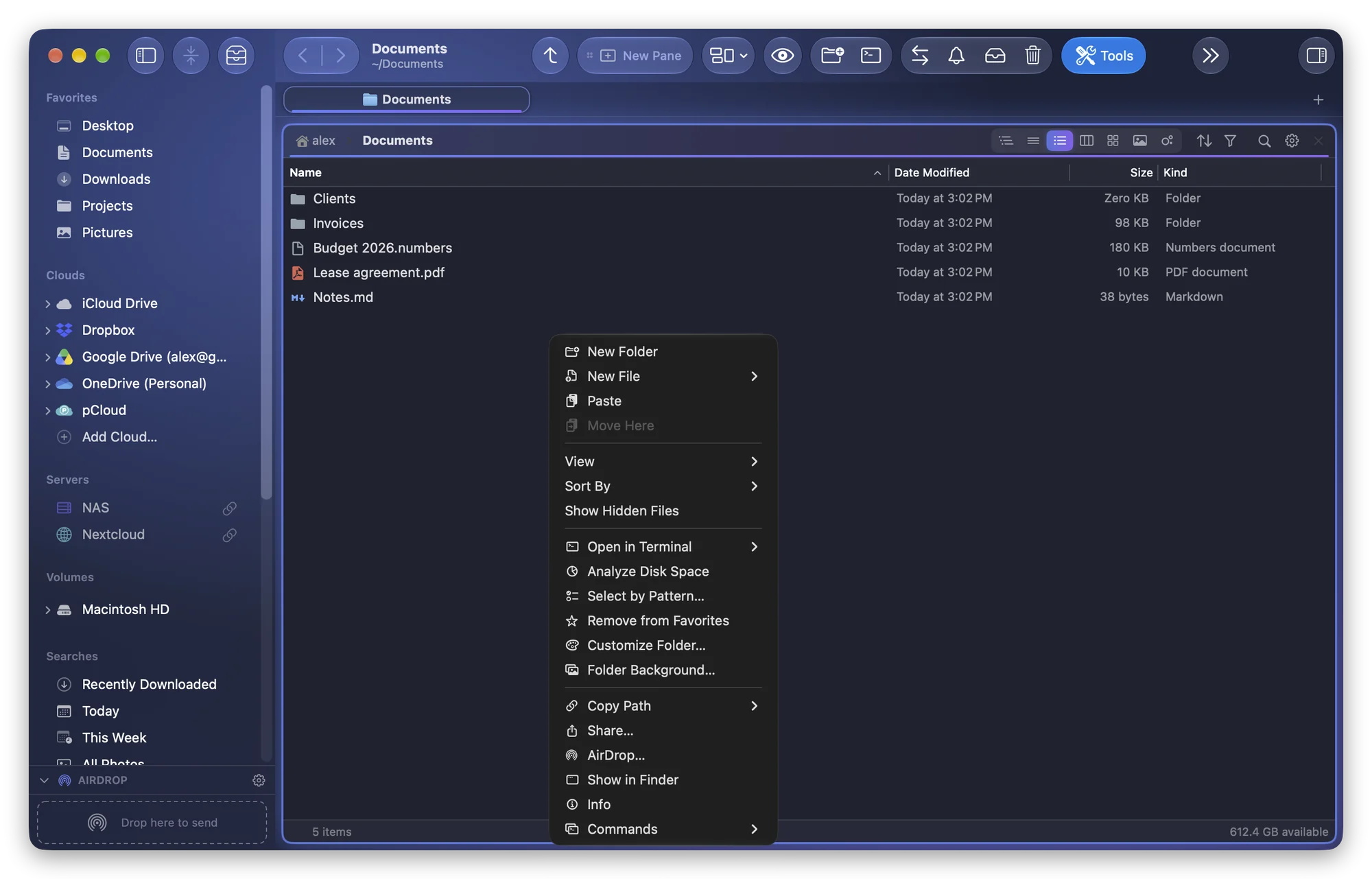
How to Create a New Text File in Any Folder on a Mac
The Finder has no New File command. How to make a file with TextEdit, Terminal or a Shortcuts Quick Action, or with a right-click New File and your templates.
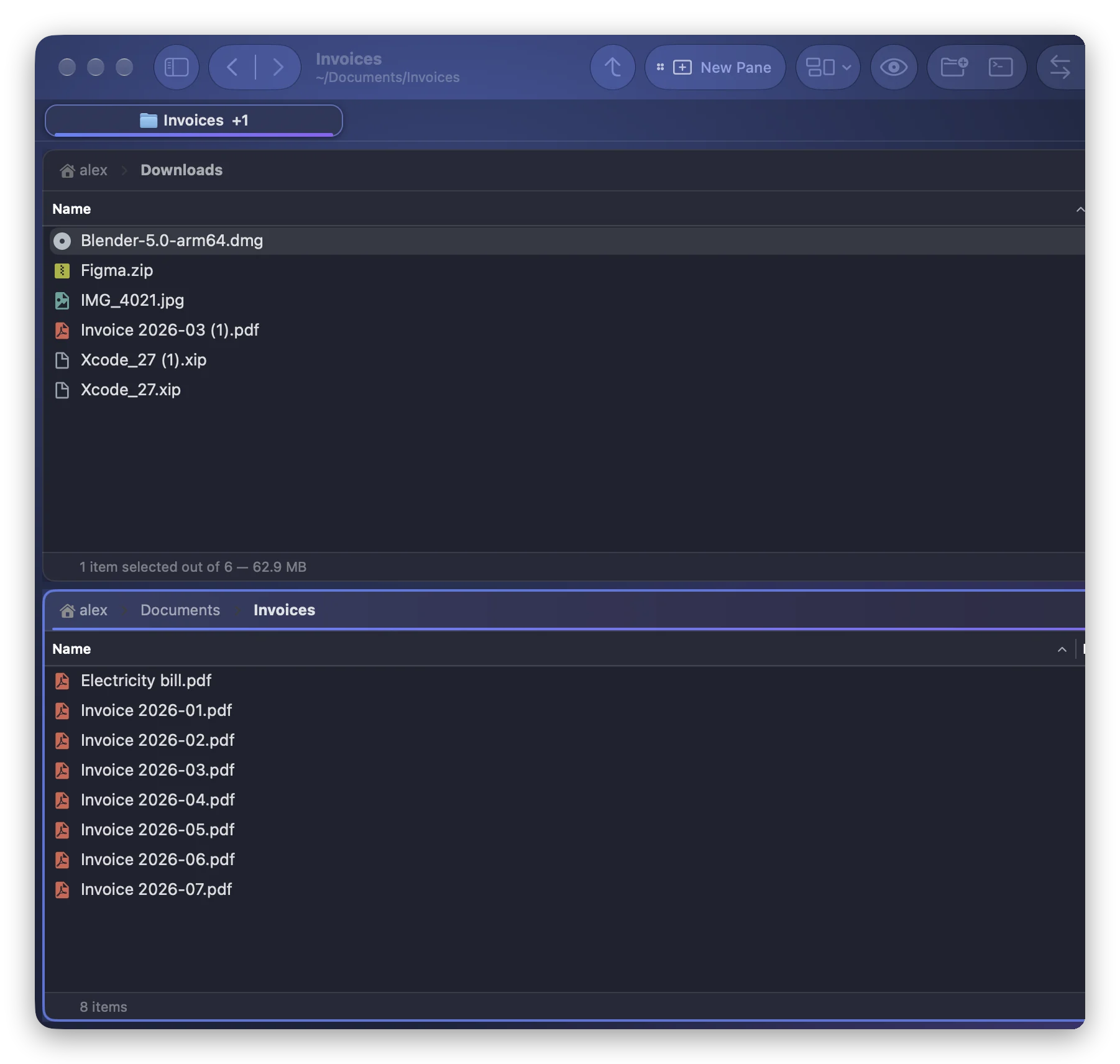
How to Copy a File Path and Cut and Paste Files on a Mac
Copy a file's full path with ⌥⌘C and move files with ⌘C then ⌥⌘V in the Finder, or get a real ⌘X and ⌘V cut and paste, with undo, in Folia Files.
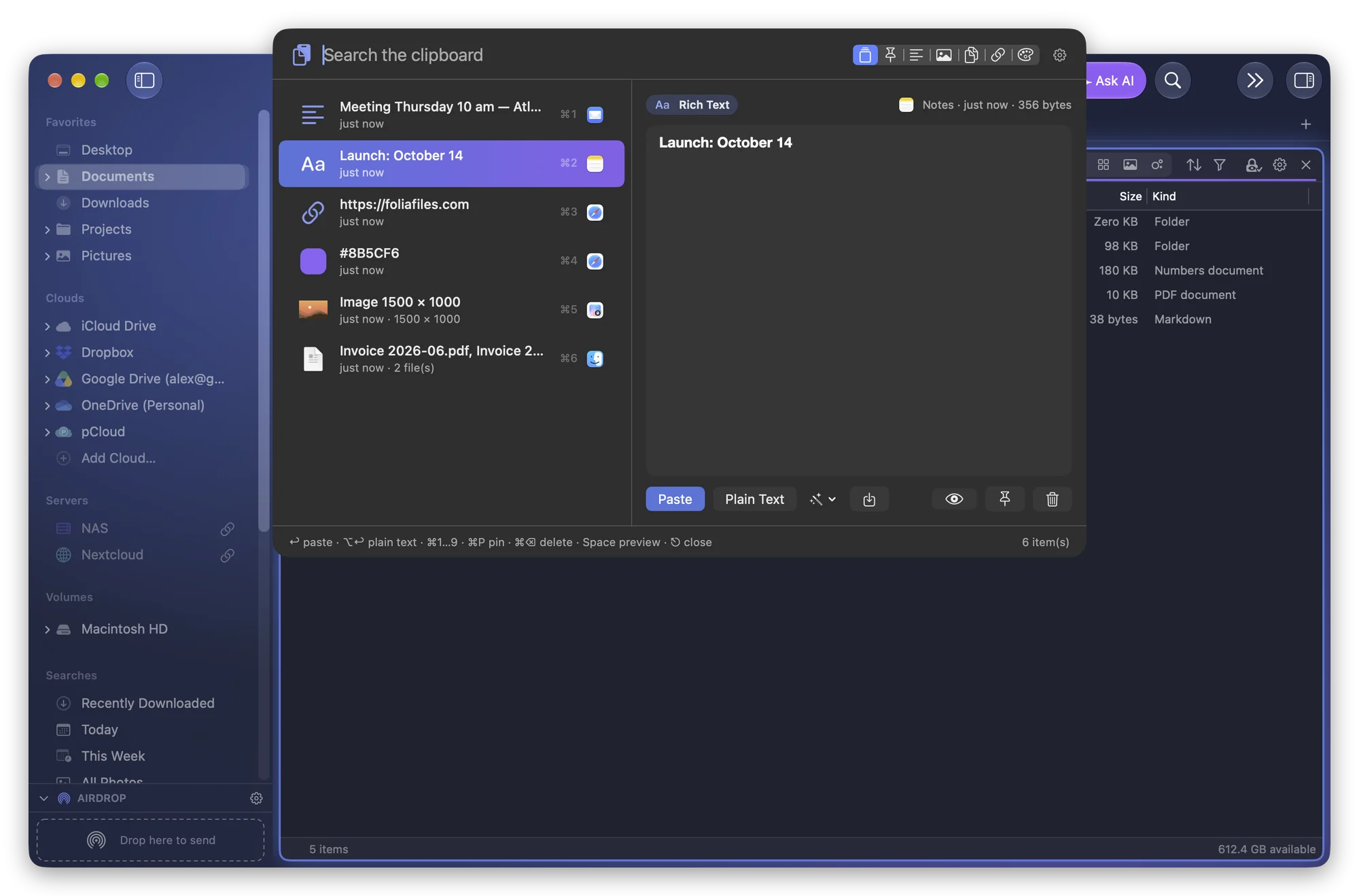
Clipboard History on a Mac: What macOS Keeps and How to Keep More
macOS 26 keeps a short clipboard history in Spotlight (⌘4). How to turn it on, its limits, and how to keep, pin and paste older copies from any app.
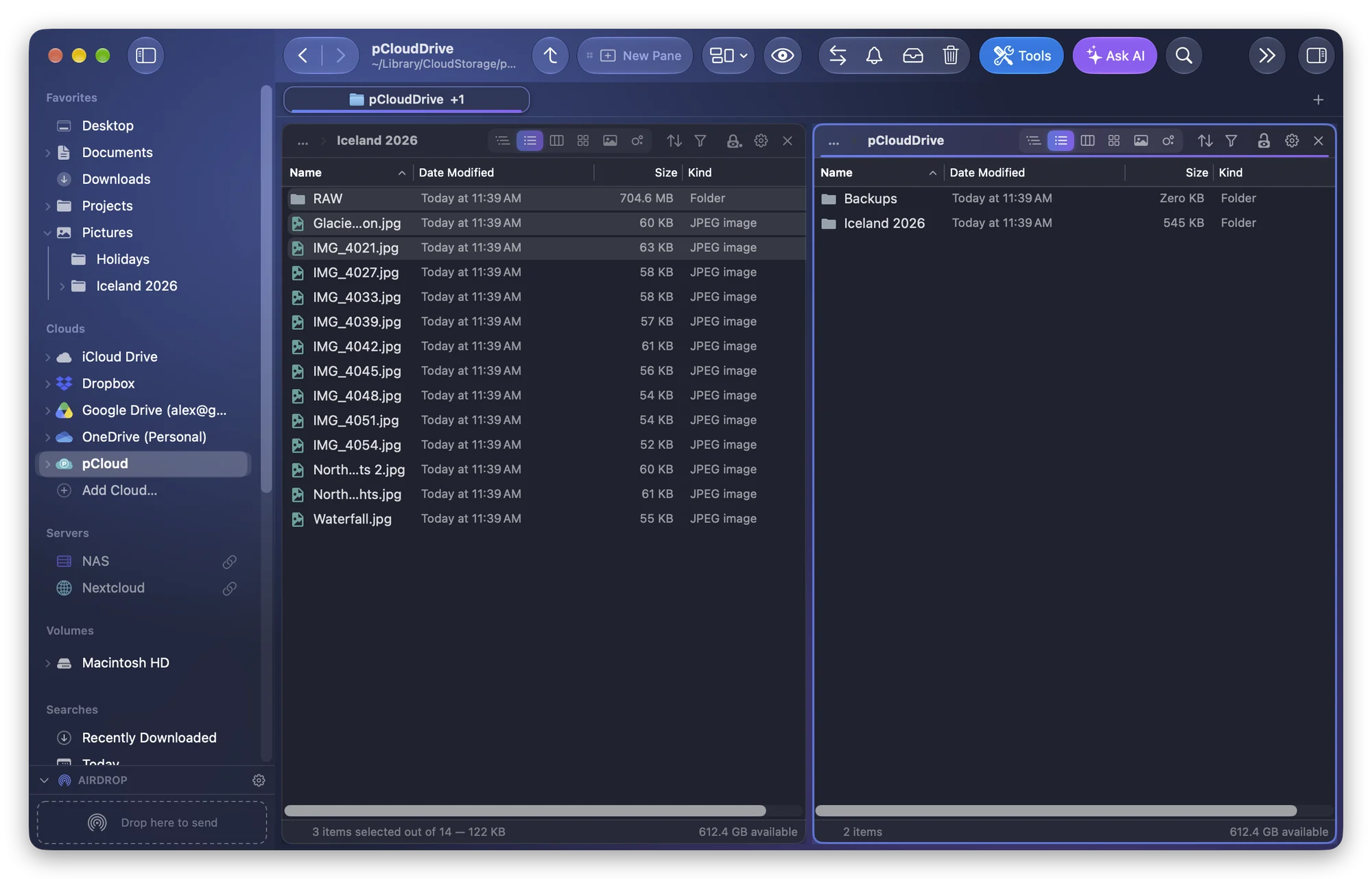
How to Resume an Interrupted File Copy on a Mac
A copy to a NAS or external drive stopped halfway? How to resume it in the Finder, continue it with rsync, and make big copies survive network drops on a Mac.
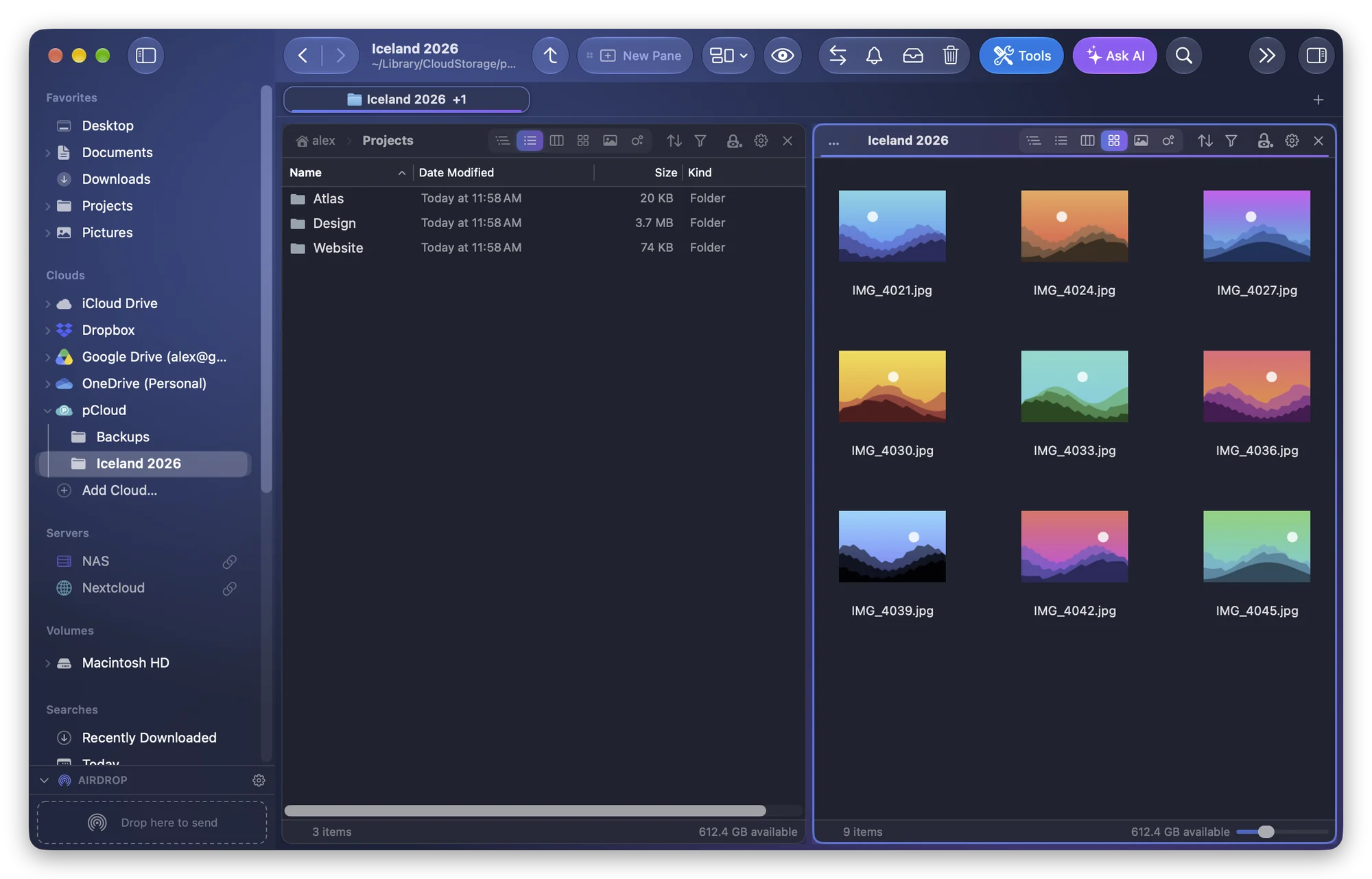
Why the Finder Freezes on a Network Drive, and What to Do
The Finder beachballs on your NAS or SMB share because it is waiting for the server. The usual causes, the settings that help, and how to reconnect.
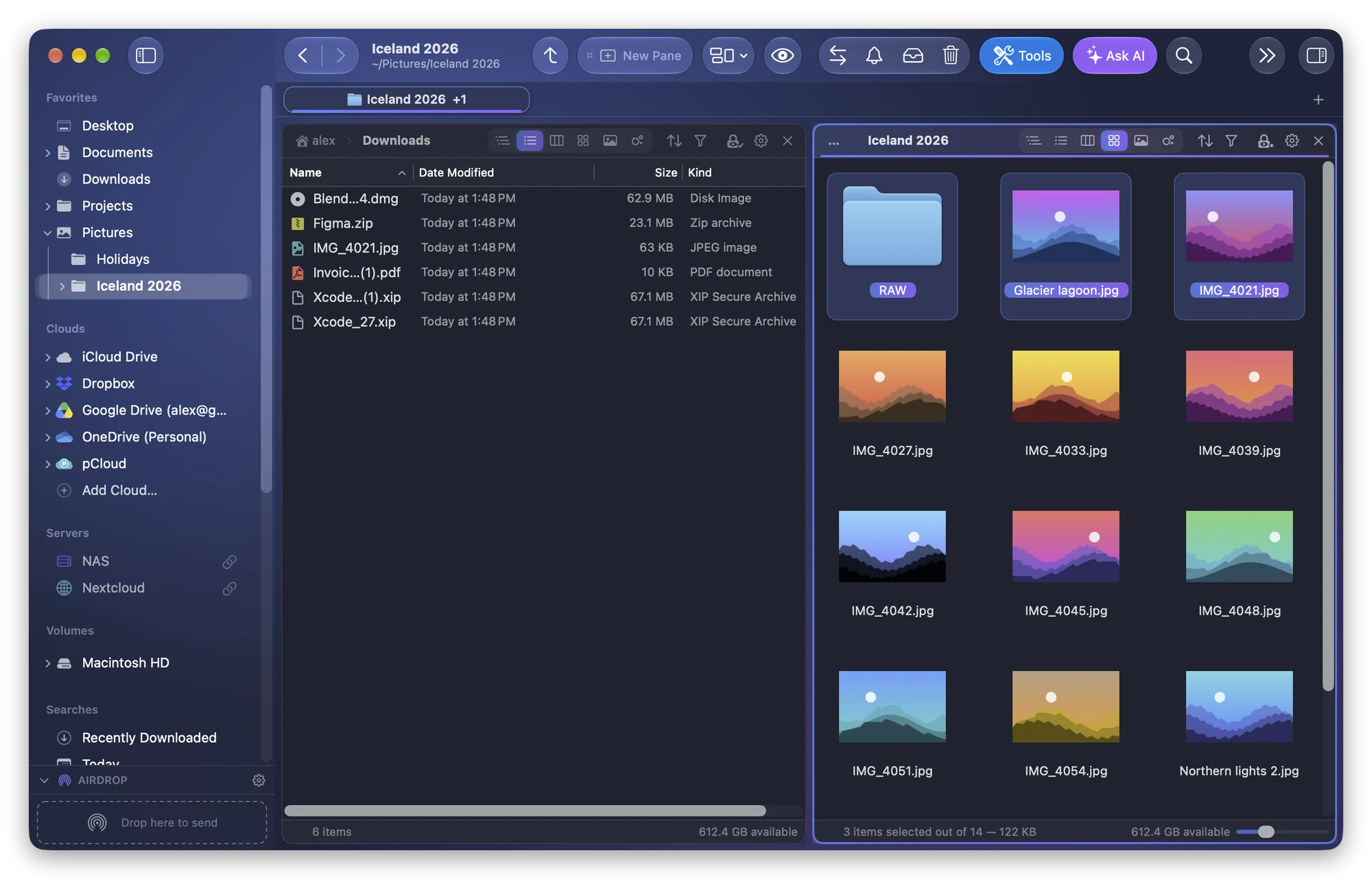
How to View Two Folders Side by Side on a Mac (and Reopen Them)
The Finder shows one folder per window. Tile two windows with macOS 15, or use dual panes with F5/F6 and save the layout as a scene to reopen it later.
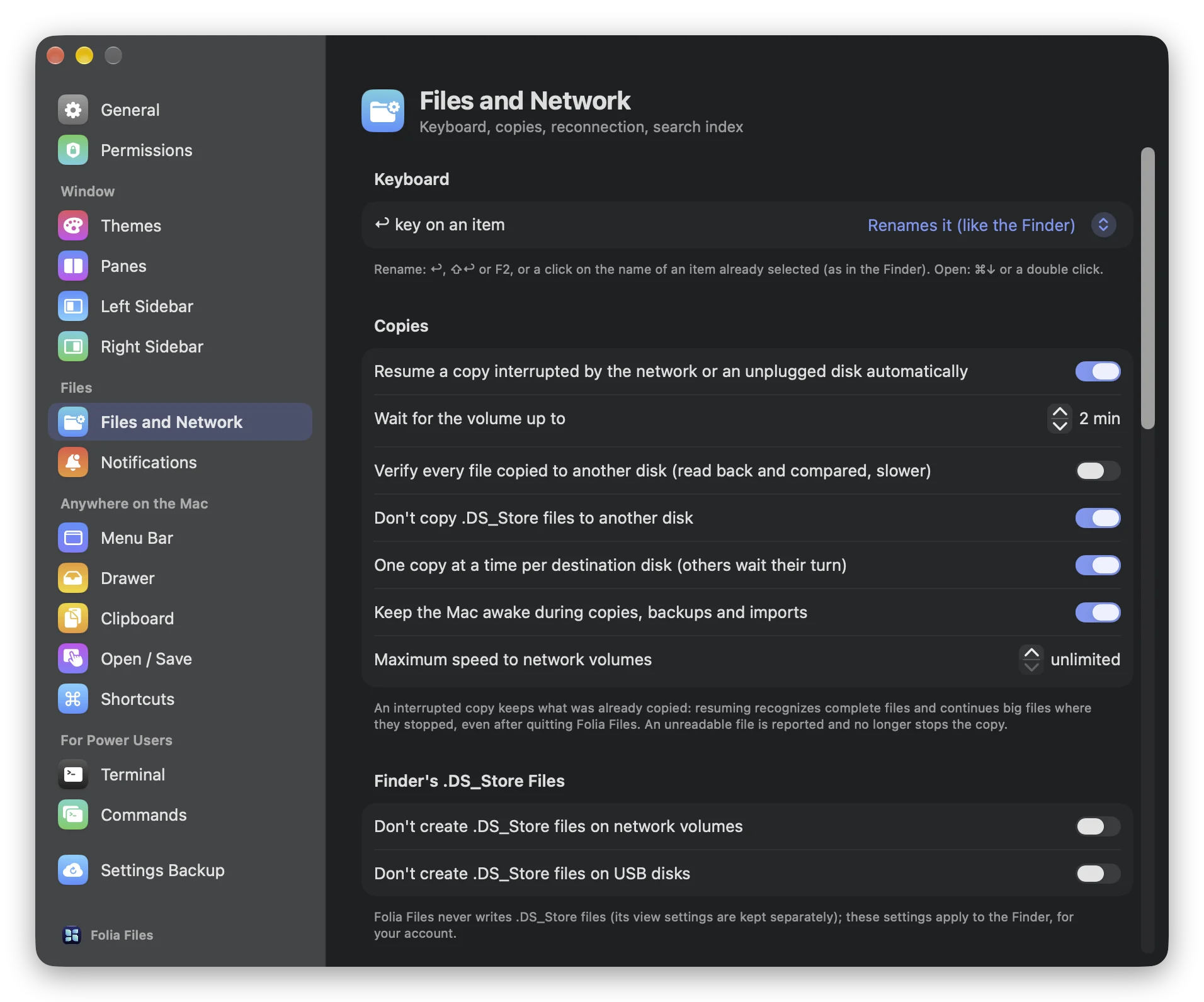
How to Keep Your Mac From Sleeping During a Big Copy
A Mac that falls asleep halfway through a big copy stops it cold. The caffeinate command, the sleep settings, and a way to stay awake only while copying.
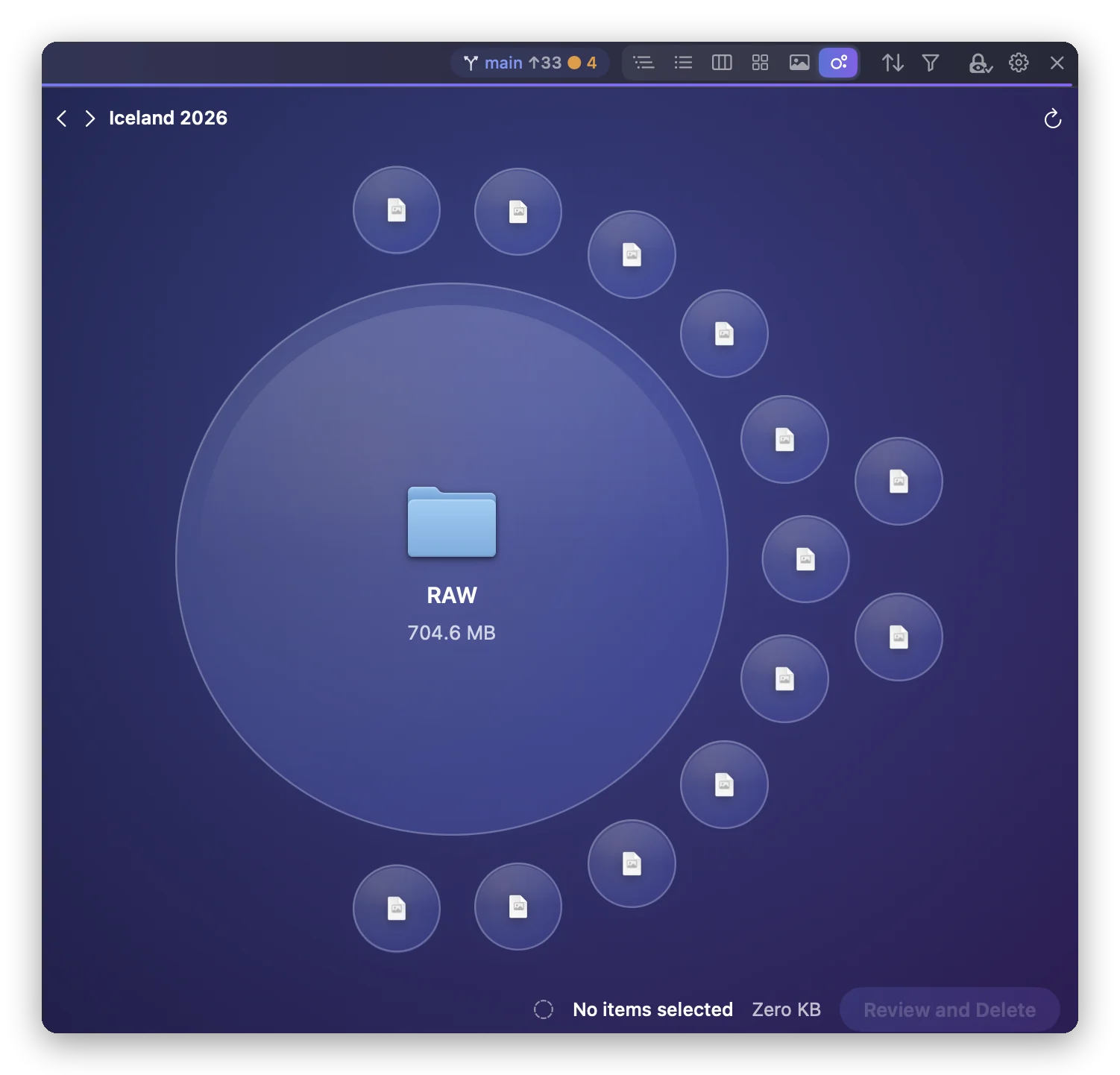
How to See Which Folders Take the Most Space on Your Mac
Storage settings shows categories, not folders. Find the biggest folders on your Mac with the Finder, Terminal or Space Lens, then free space safely.
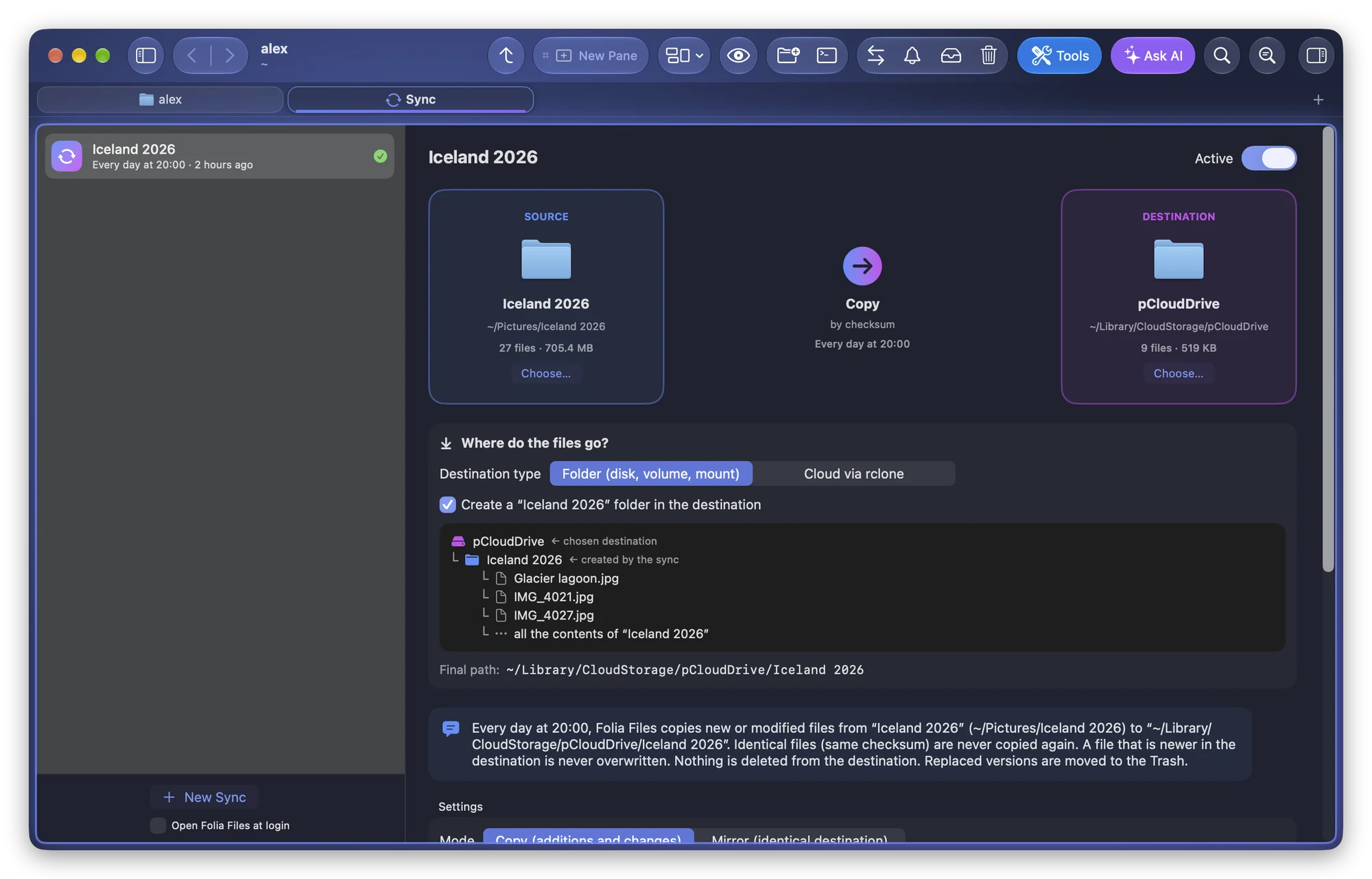
How to Keep Two Folders in Sync on a Mac
The Finder can't sync folders. Keep two folders in sync on a Mac with rsync or Folia Files, and mirror a folder without deleting the wrong files.
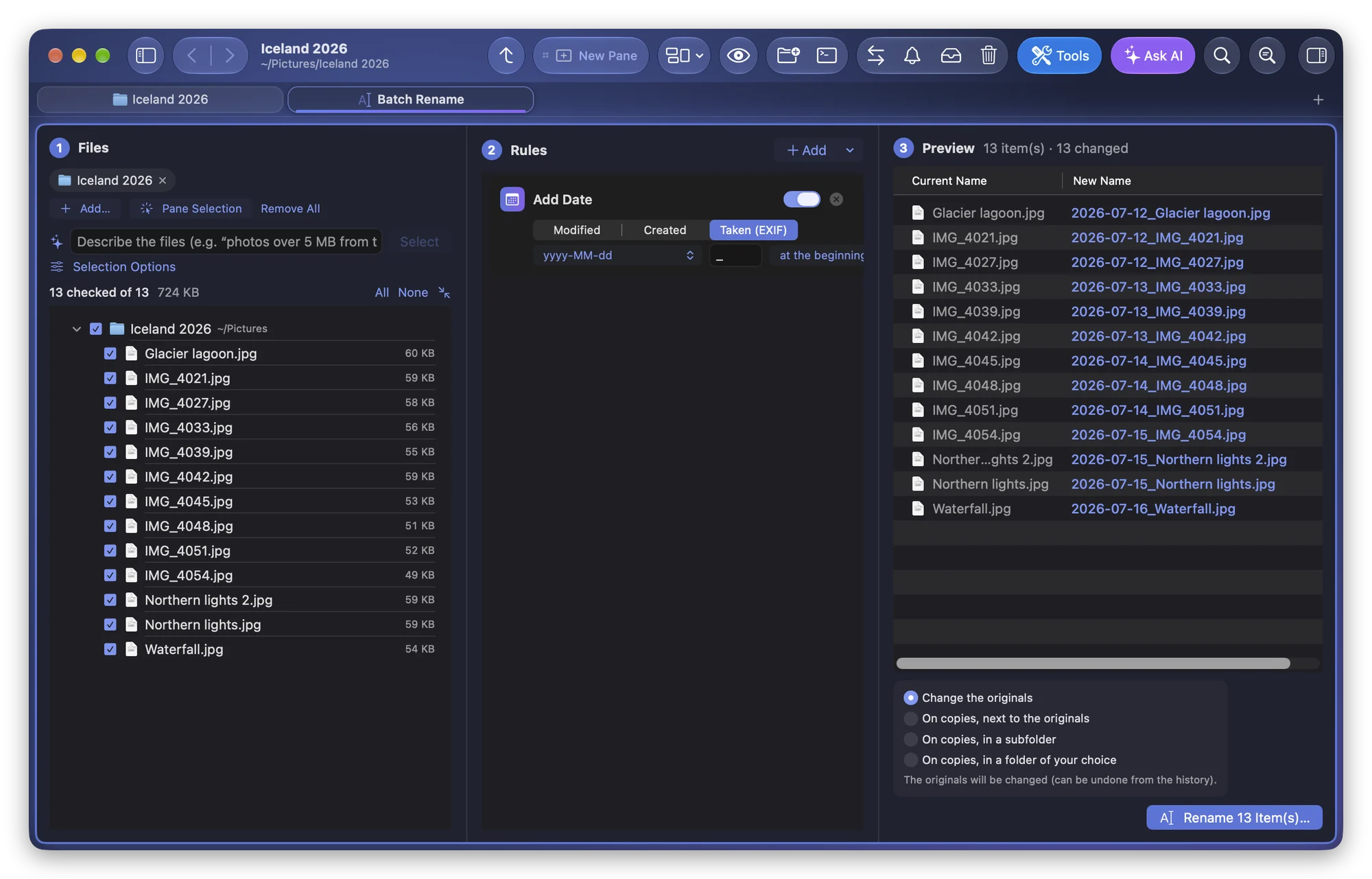
How to Batch Rename Photos by Date Taken on a Mac
The Finder can't read the date a photo was taken. Here is how to batch rename photos by their EXIF date on a Mac, with a preview of every name and undo.
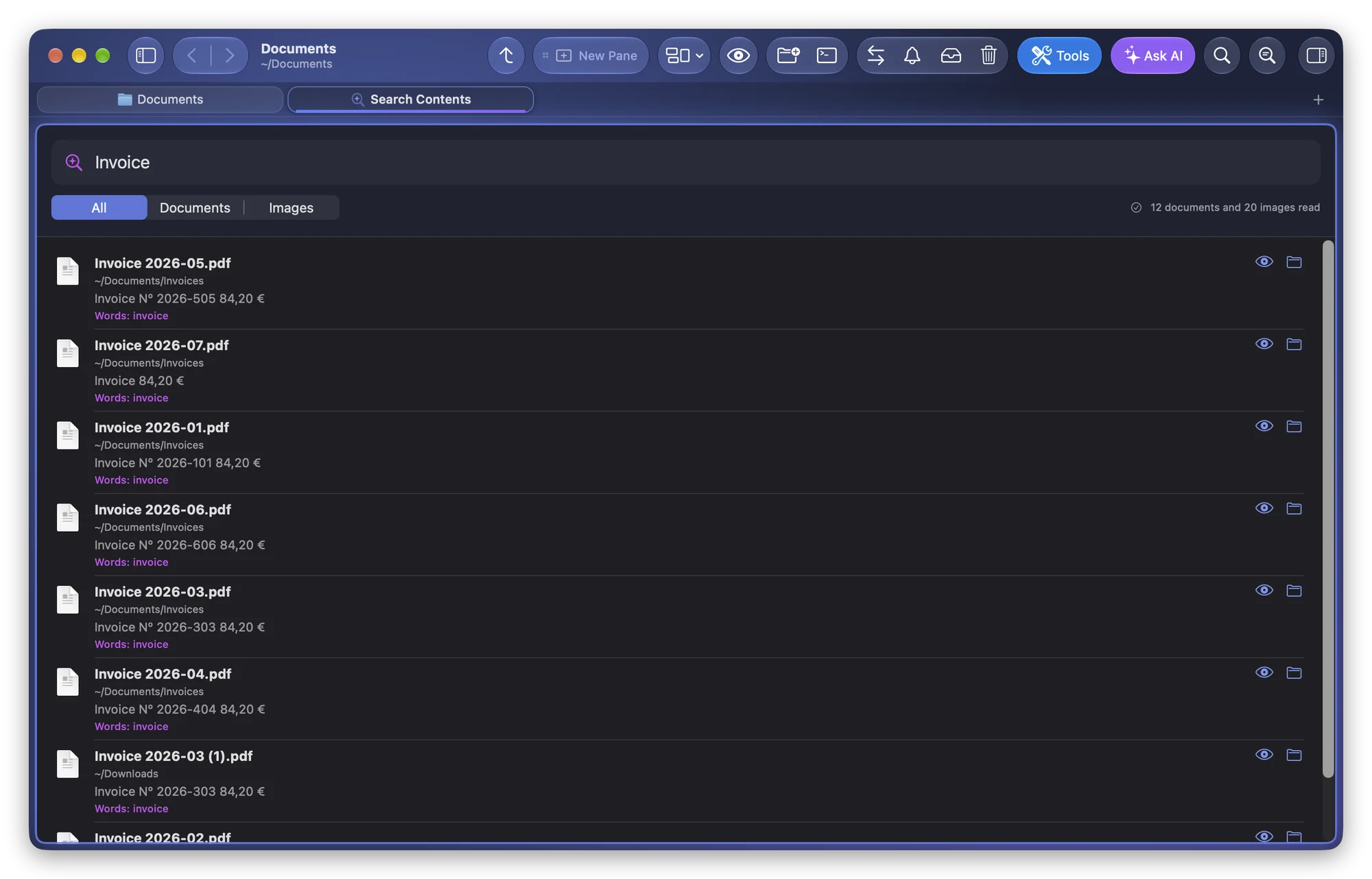
How to Search Inside Files on a Mac, by Words or by Meaning
Search file contents on a Mac with Spotlight and the Finder, fix Spotlight missing files, and find documents, screenshots and photos by words or by meaning.
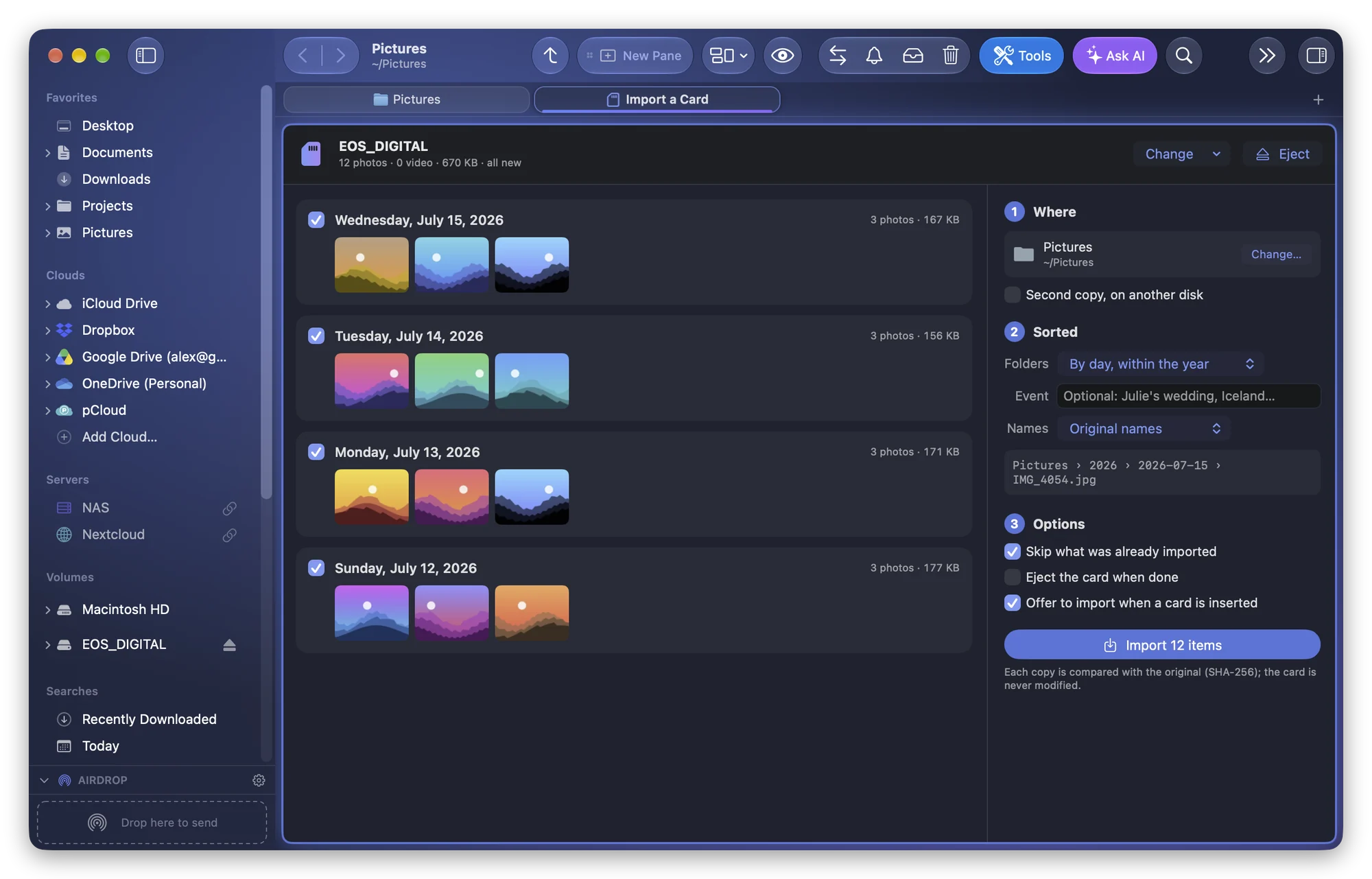
How to Import Photos From an SD Card Without the Photos App
Copy photos from a camera card into folders on a Mac with Image Capture or the Finder, avoid duplicates, and keep RAW and JPEG together with verified copies.
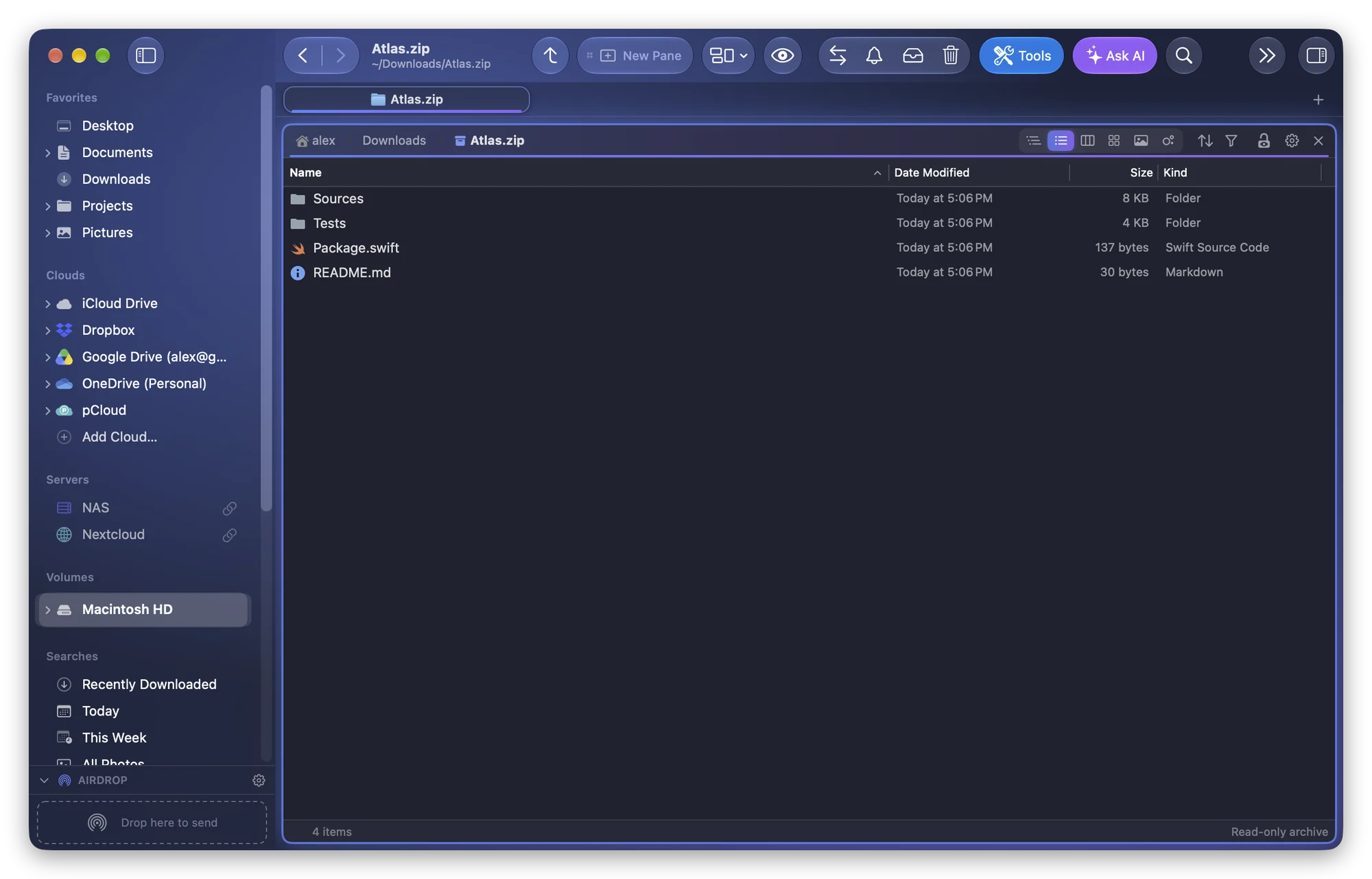
How to Open a ZIP File Without Extracting It on a Mac
See what's inside a ZIP on a Mac without unpacking it next to the file: unzip -l in Terminal, or browse it like a read-only folder in Folia Files.
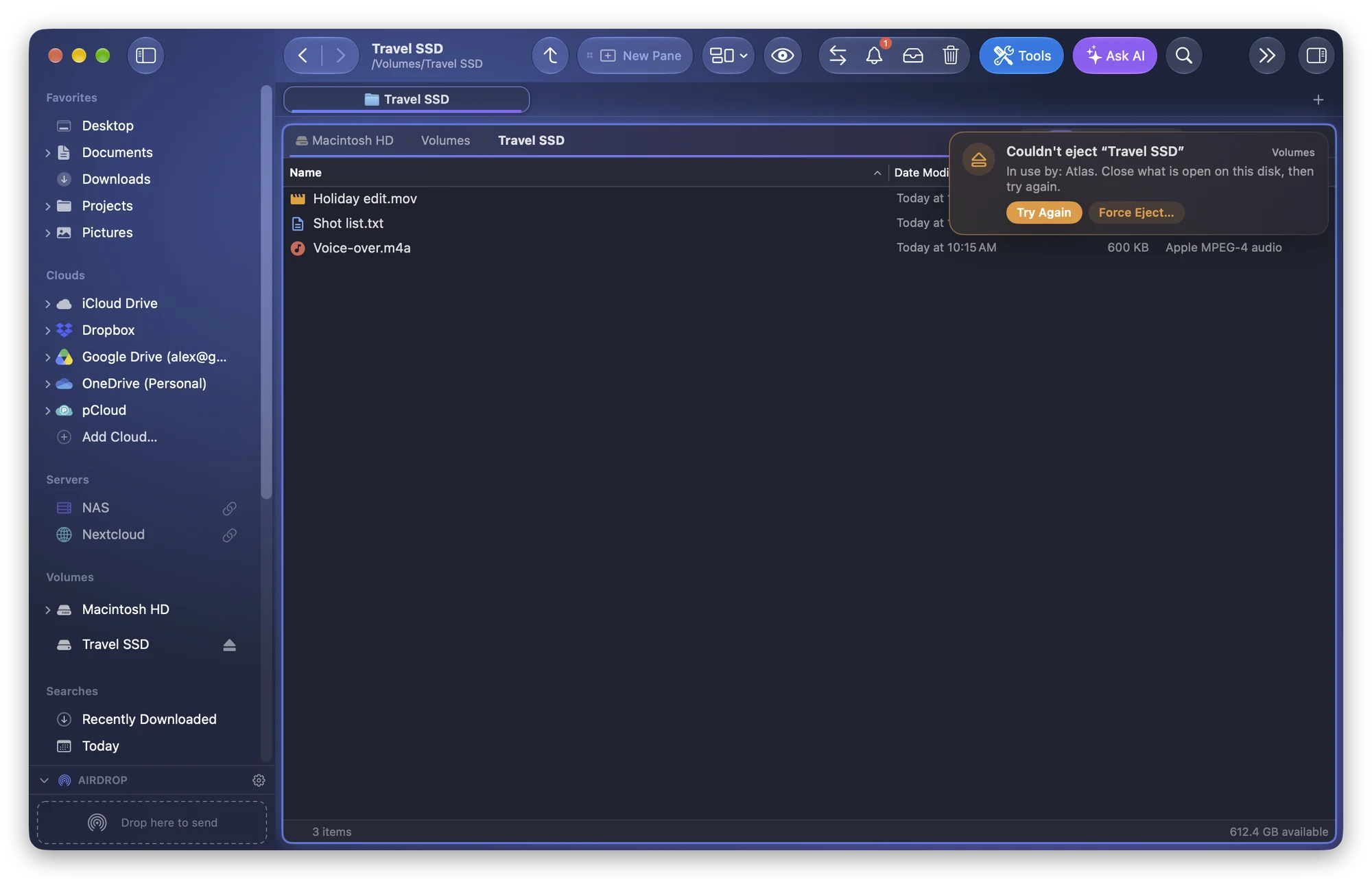
How to Eject a Disk That Says It's in Use on a Mac
macOS says your disk is in use and won't eject? Find the app or service holding it with lsof or Activity Monitor, close it, and force eject only as a last resort.
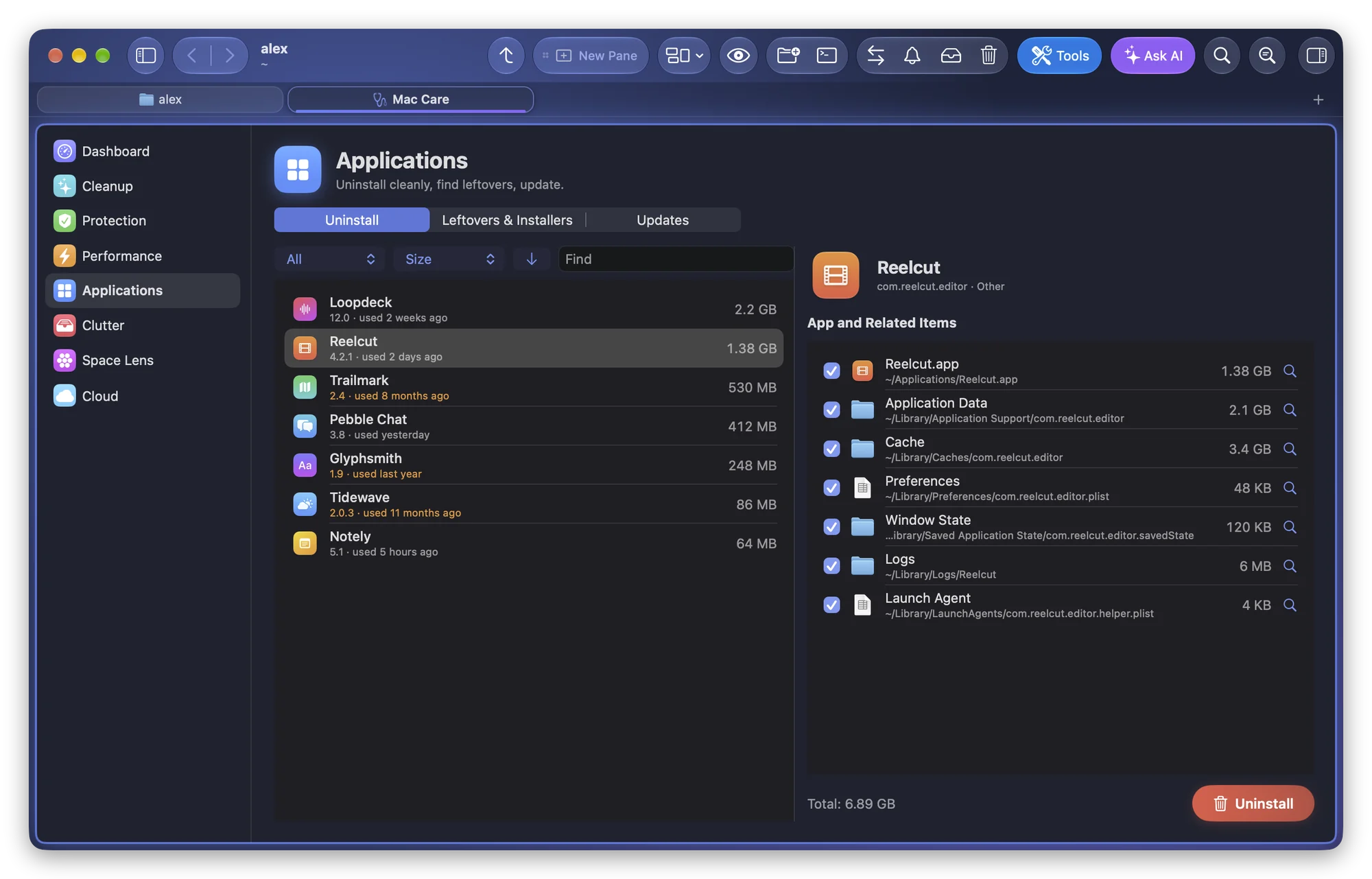
How to Completely Uninstall a Mac App and Its Leftovers
Dragging an app to the Trash leaves its caches, preferences and support files behind. Here's where they hide in ~/Library and how to remove them safely.
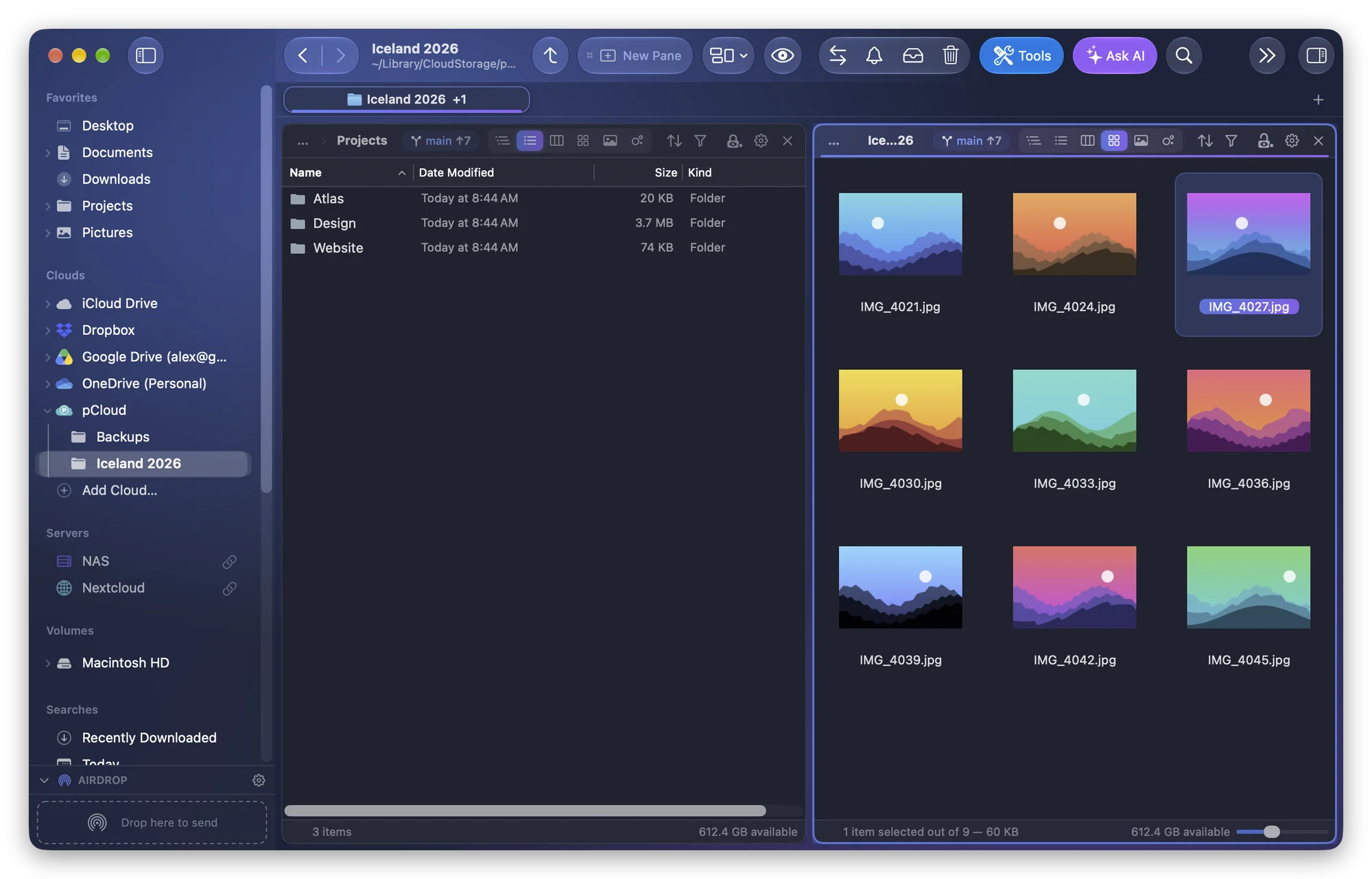
How to Connect to SFTP and S3 on a Mac Without macFUSE
Finder can't open SFTP or S3 storage. Here's how to browse servers and clouds on a Mac with rclone, without macFUSE, a kernel extension or admin rights.
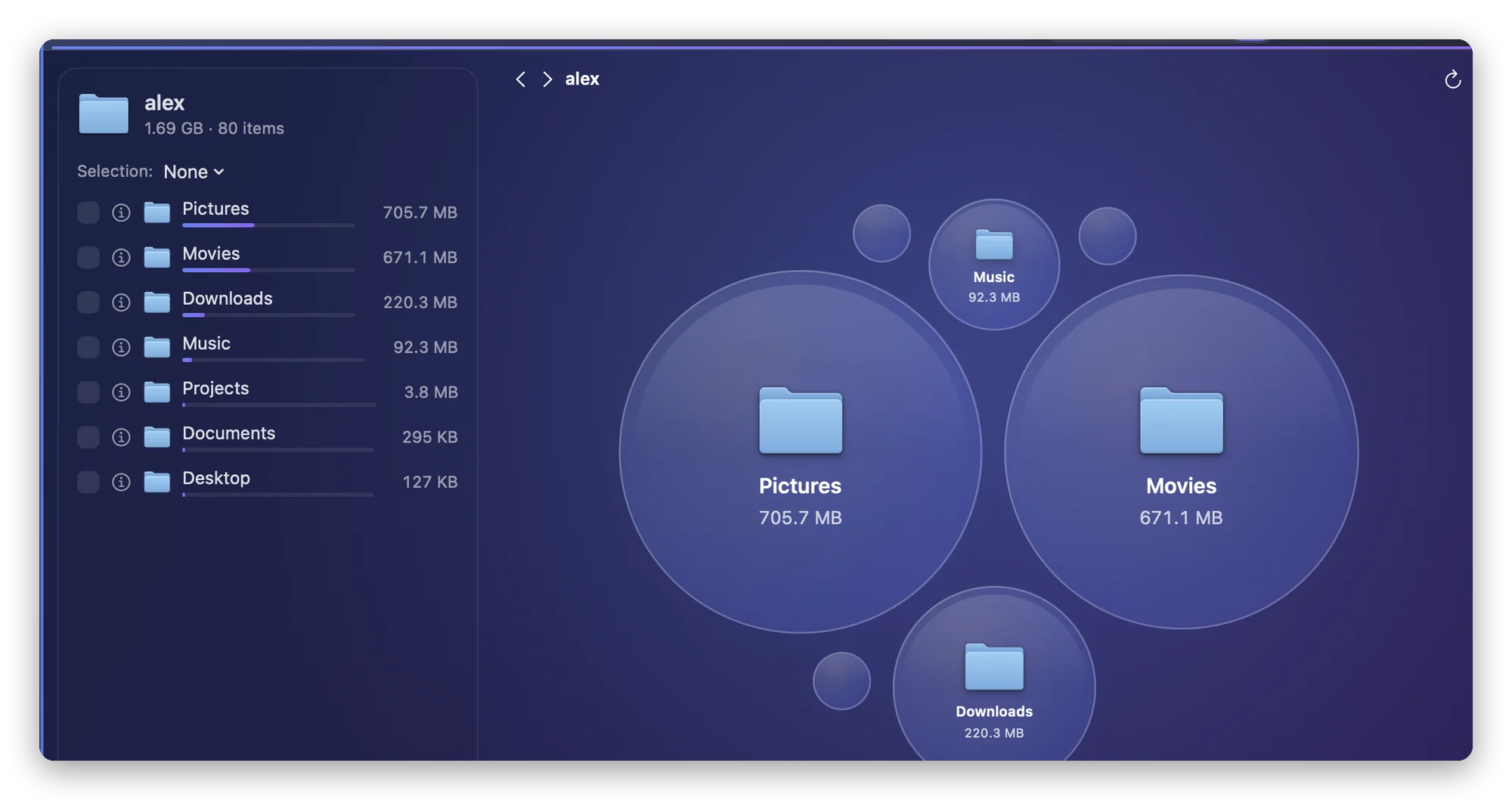
What Is System Data on a Mac? How to See What's Using Space
System Data on a Mac covers snapshots, caches, swap and backups. Learn what it really contains, why purgeable space confuses, and how to see what takes space.


