
Tools
A complete toolbox, in tabs
Everything you would look for in ten small apps, in tabs next to your panes — and every operation goes to the history, so it can be undone.
- Duplicates by fingerprint
- PDF and OCR
- Rules that file for you
7 days free with every feature, no account, no card. Then $49.99 once for up to 3 Macs, every future update included — no subscription.

In short
Folia Files includes a duplicate finder (SHA-256), a folder and text comparison, PDF tools (combine, reorder, rotate, extract, split, compress, make scans searchable), batch actions on photos and videos, automatic rules that watch a folder, a tag manager, a Trash for every disk, a camera card importer with verified copies, and archives you open like folders.
Duplicates
Choose folders: identical files are found by their SHA-256 fingerprint, not just their name or size. Keep the newest, the oldest, or the one with the shortest or longest path — the others go to the Trash.
PDF tools
Drop photos and PDFs: they become pages you combine, reorder, rotate, extract, split or compress. Scans become searchable — their text is recognized on your Mac.

Compare two folders
Added, removed, changed: two folders side by side — a project and its backup, a folder and its copy on a server — or two text files, line by line.

Automatic rules
Watch a folder and act on what lands in it: move, copy, rename, tag, open or send to the Trash, with the same criteria as the advanced search and “otherwise” branches. Folia Files suggests rules for your folders — invoices by year, downloaded photos by date.
Photos, videos and cards
Resize, crop and convert photos; trim, compress or extract the audio of videos — or describe it in a sentence. Import a camera card: photos and videos sorted by shooting day, each copy verified, RAW and JPEG kept together, nothing imported twice, the card never modified.
Or right-click: Image and Video in the context menu resize, convert, rotate or flip a photo and strip its location or metadata, and turn a video into MP4 (H.264 or HEVC), 1080p, 720p or M4A audio — always a new file beside the original, which stays untouched.
And the rest
- Tags: every tag, the files that carry it, rename, merge or recolor
- Trash: every disk's Trash in one place, Put Back in one click
- Archives as folders: open a ZIP or a TAR like a folder, read-only, drag out what you need
- Suggested names: a meaningful name and tags for screenshots, scans and photos, on the Mac
- Services and Share: your Quick Actions, shortcuts and other apps' services at the end of the context menu, as in the Finder; Share lists Messages, Mail, Notes, AirDrop…
See it in action
-
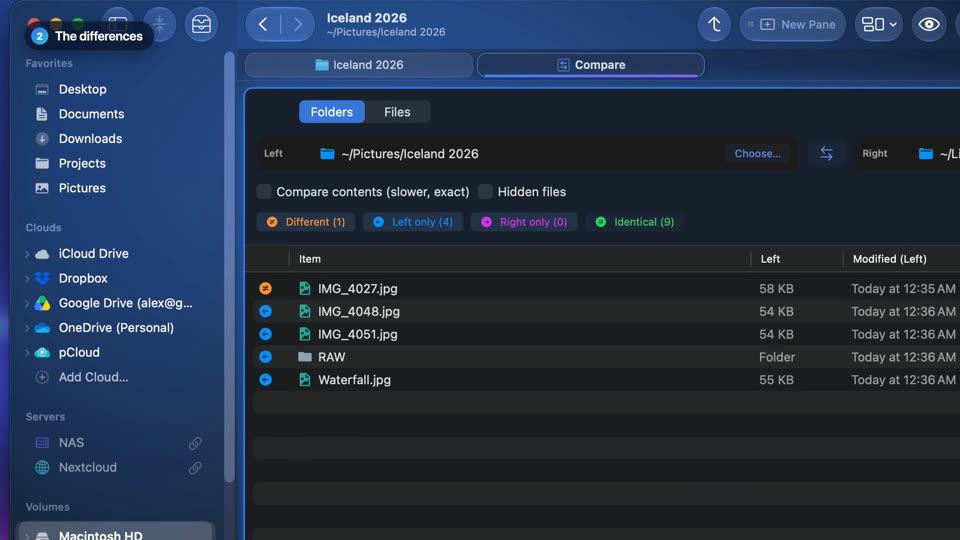
Compare two folders
The Compare tool shows what is only on one side and what changed between two folders, then copies what's missing across.
-
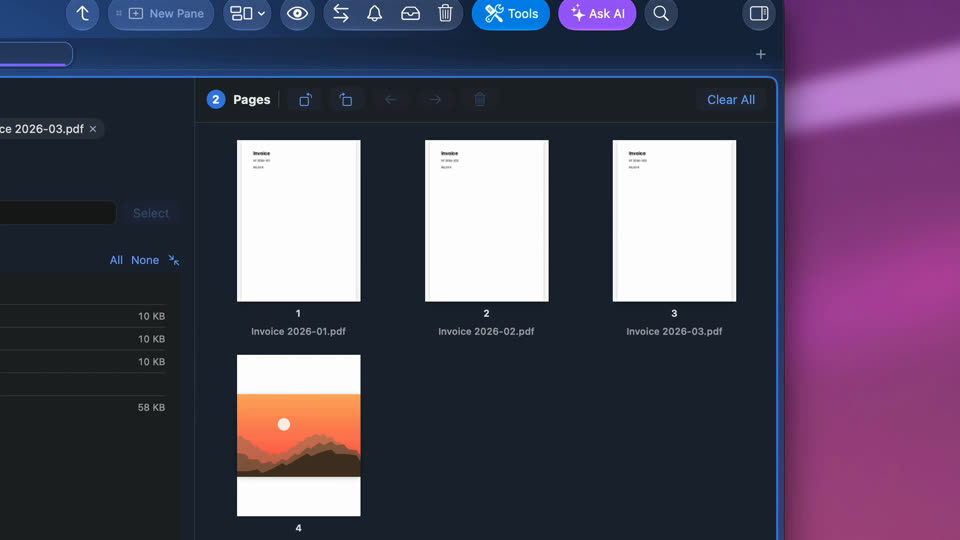
Merge PDFs and photos into one PDF
Select PDFs and photos, open the PDF tool, put the pages in order and save them as one PDF.


-
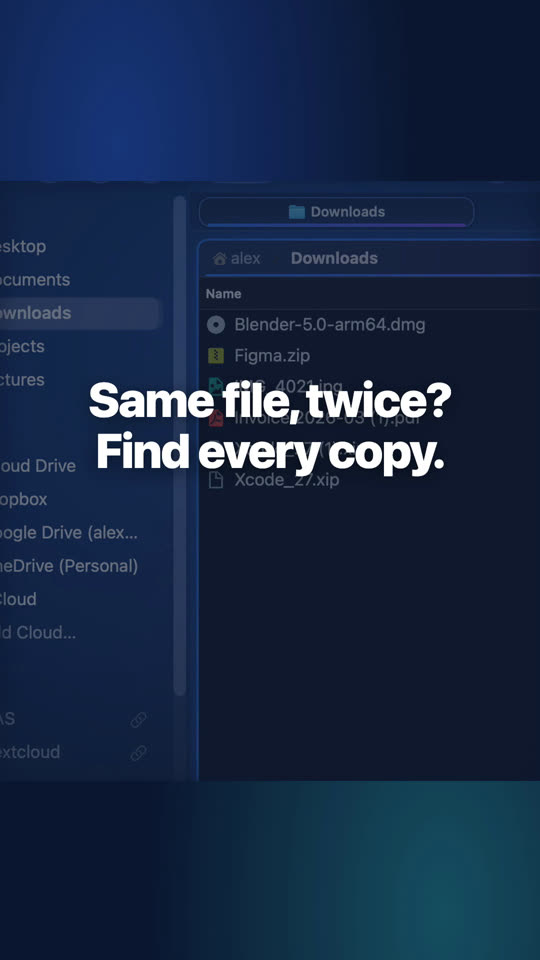
Find duplicate files
The Duplicates tool groups every copy by content, keeps the one you choose and sends the others to the Trash.
-
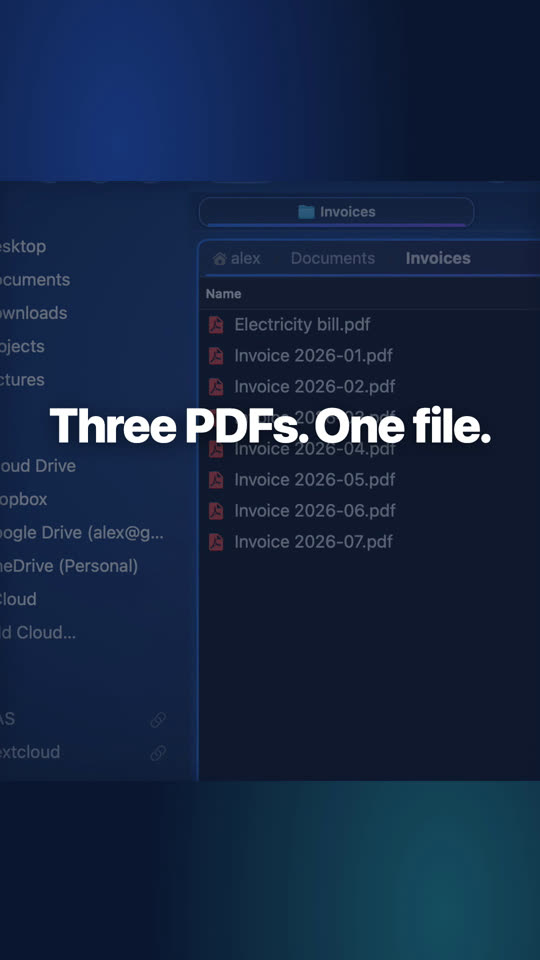
Merge PDFs and photos into one PDF
Put the pages in order in the PDF tool and save them as one PDF.
-
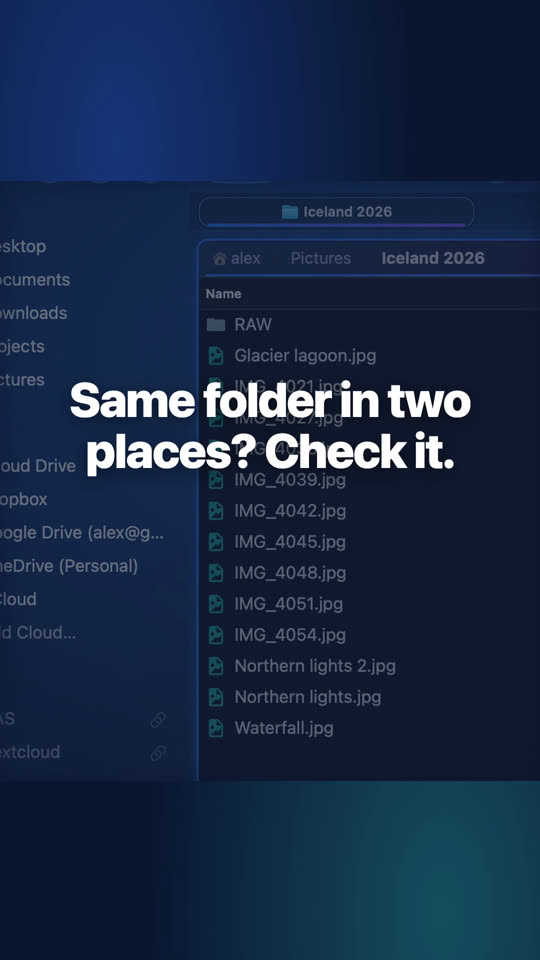
Compare two folders
What is only on one side, what changed, and what's missing copied across.
-
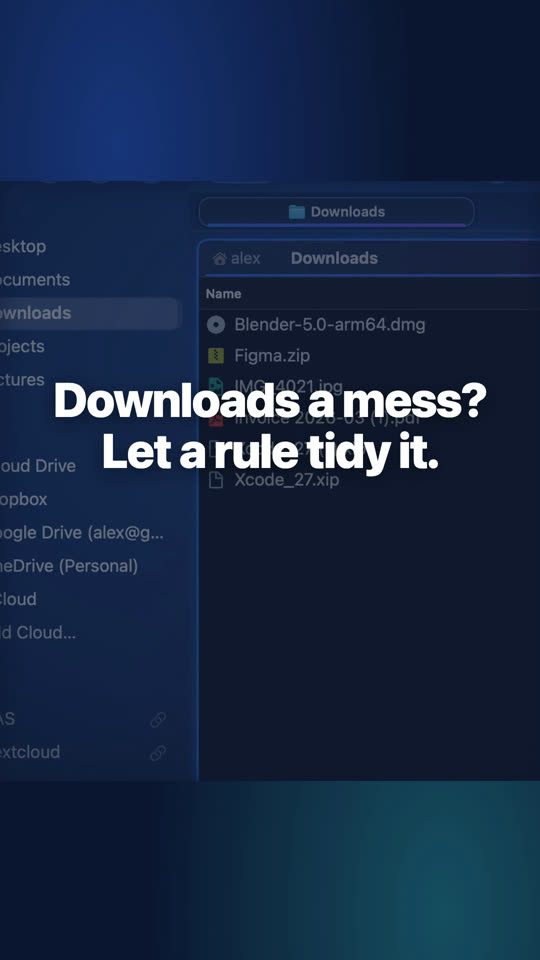
Sort your Downloads automatically
A rule watches Downloads and files invoices into Documents, Invoices, by year, as soon as they arrive.


Website edition and Mac App Store
Every tool is in both editions. In the Mac App Store edition, the “run a command” action of the rules is not available.
Questions
Copies, moves, renames and items sent to the Trash go to the Operations history: undo any line, or press ⌘Z.
Never. It reads the card once, verifies every copy and only offers to eject when everything went well.
Keep reading

See for yourself, free for 7 days
Every feature, no account, no credit card. Then $49.99, once, every future update included — no subscription.