
Mac care
More space, and a Mac in shape
See what fills your disk at a glance, free space without risk, and uninstall apps for real — with the leftovers they scatter in your Library.
- Space Lens
- Cleanup explained
- Uninstall with leftovers
7 days free with every feature, no account, no card. Then $49.99 once for up to 3 Macs, every future update included — no subscription.

In short
Folia Files shows any folder as bubbles by size (Space Lens), so the biggest ones stand out. Its Mac care section analyses the Mac in one click, cleans caches, logs, developer files and the Trash with an explanation of each item, and uninstalls one or several apps with their leftovers, listing the ones you have not used in six months. Everything is reviewed before it goes: apps, leftovers and your files go to the Trash, and caches can be deleted for good.
Space Lens: your disk as bubbles
Switch any pane to the size view: folders become bubbles, the biggest first. Dive in, select what you no longer need, review and send it to the Trash.
Cleanup that tells you what it removes
Caches, logs, developer files (Xcode and friends), the Trash: each item says what it is and why it is safe before anything goes. Smart care runs a fixed, careful list and asks you first.
Uninstall apps, with their leftovers
Select one app or several: Folia Files quits them, sends them to the Trash and lists the preferences, caches and support files they left in your Library. Sort by size, name or last use, and spot the apps you have not opened in six months.
- Several apps at once
- Leftovers found by the app's identifier and name
- Apps installed for all users: one password for the whole batch
See it in action
-
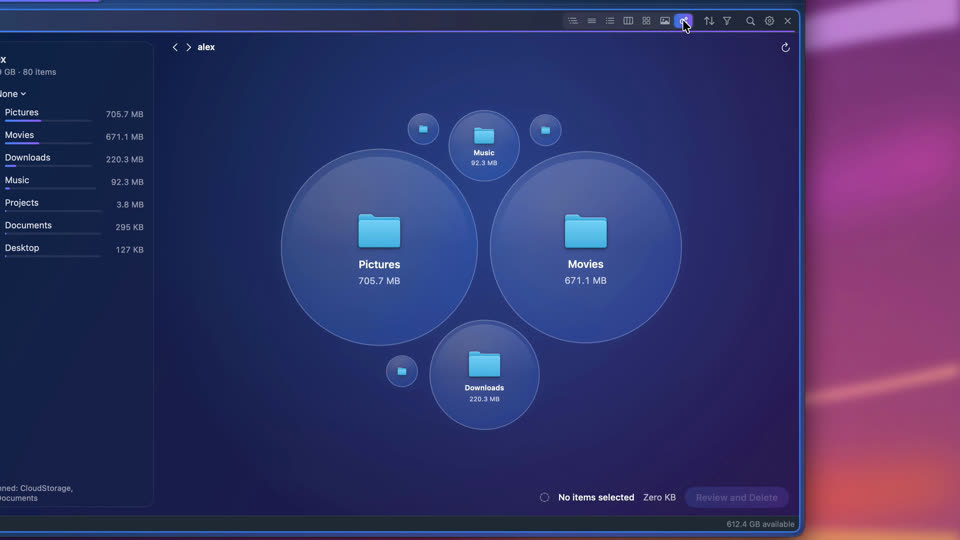
See what's taking space
Any folder by size, as bubbles: the biggest stand out, a click looks inside, and what you don't need goes to the Trash.
-
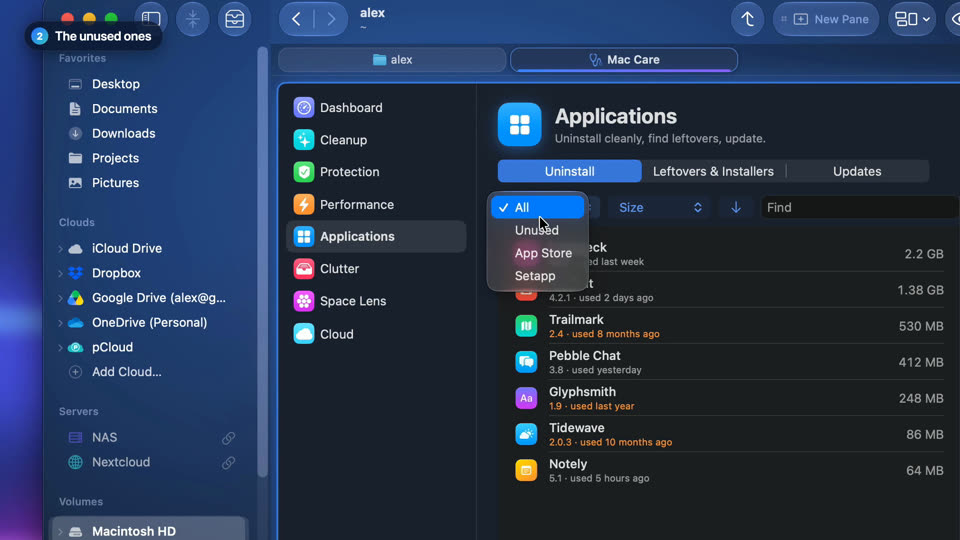
Uninstall the apps you never use
Mac Care lists every app with the space it really takes and the ones you haven't opened in six months, then uninstalls them with their leftovers.


-

See what's taking space
Every folder and file as a bubble as big as the space it takes. Click one to look inside.
-
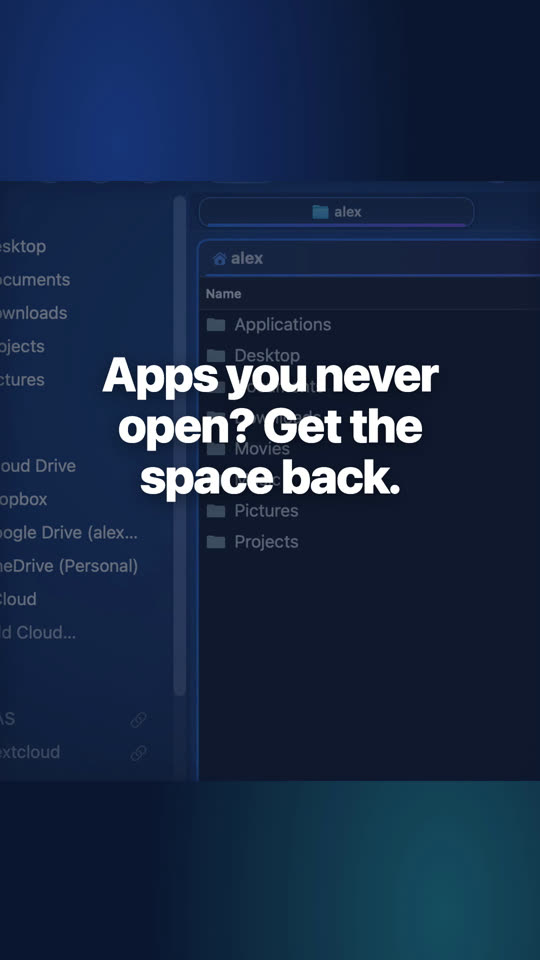
Uninstall the apps you never use
Every app with the space it really takes; the ones you haven't opened in six months go to the Trash with their leftovers.


Website edition and Mac App Store
Space Lens, cleanup, applications and the dashboard are in both editions. Protection, performance and cloud modules are in the website edition, and in the Mac App Store edition with Folia Files Companion. Uninstalling apps installed for all users is in the website edition; in the Mac App Store edition, the Finder moves such an app to the Trash and Folia Files then removes its leftovers.
Questions
For seeing what takes space, cleaning safe items and uninstalling apps, yes — included in Folia Files, without a subscription.
No. Everything is listed and explained first, and nothing goes until you confirm. Apps, their leftovers and your files go to the Trash; caches and browsing traces can be deleted for good (the Trash would free no space). Each item is checked again right before it is removed.

See for yourself, free for 7 days
Every feature, no account, no credit card. Then $49.99, once, every future update included — no subscription.