
Drawer and Shelf
A drawer at the edge of the screen
Drag a file — or a picture or a link from Safari — against the edge of the screen, or press ⌃⌥E: a drawer slides out over the app you are in, with your Shelf, your favorite folders, the clipboard history and AirDrop.
- Over any app
- The edge you choose
- Shelf, favorites, clipboard, AirDrop
7 days free with every feature, no account, no card. Then $49.99 once for up to 3 Macs, every future update included — no subscription.

In short
The Folia Files drawer opens at the edge of the screen over any app, with a drag or ⌃⌥E. It holds the Shelf (a place to park files while you move between apps), your favorite folders, the clipboard history and an AirDrop target. Arrange, resize and fold its modules, choose the edge and how opaque it is.
The Shelf: park files on the way
Gathering files from several folders for an email or an upload? Drop them on the Shelf, then drag them all out where they go. The Shelf is the same in the drawer, the right sidebar and the Open and Save assistant.
Favorites, clipboard and AirDrop, over any app
Your favorite folders, with their sections, are one click away over any app. The clipboard history and AirDrop are modules of the drawer too: drop files on AirDrop to send them.
Arranged your way
Reorder the modules by dragging their headers, resize them, fold them, hide the ones you don't use. Put the drawer on the edge you prefer and set its opacity.
- ⌃⌥E from any app
- Opens when you drag a file, a picture or a link to the edge
- Does not take the focus from the app you are in
And a monitor in the menu bar
Folia Files' menu bar item shows processor, memory and disk in four styles, the progress of your copies, the clipboard, “keep the Mac awake” and the disks to eject — one click away.
See it in action
-
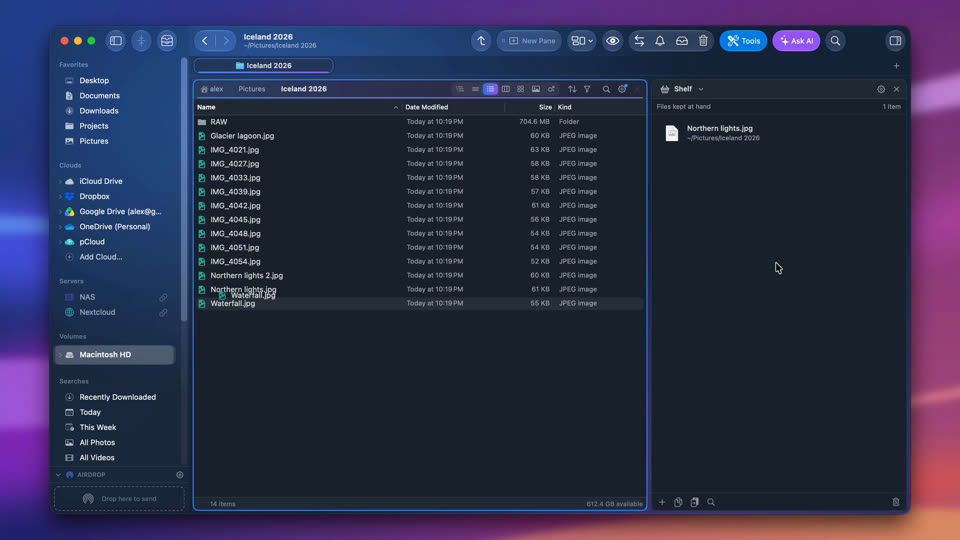
The Shelf: files at hand
Drop files on the Shelf while you move from folder to folder, then drag them where they belong.

-
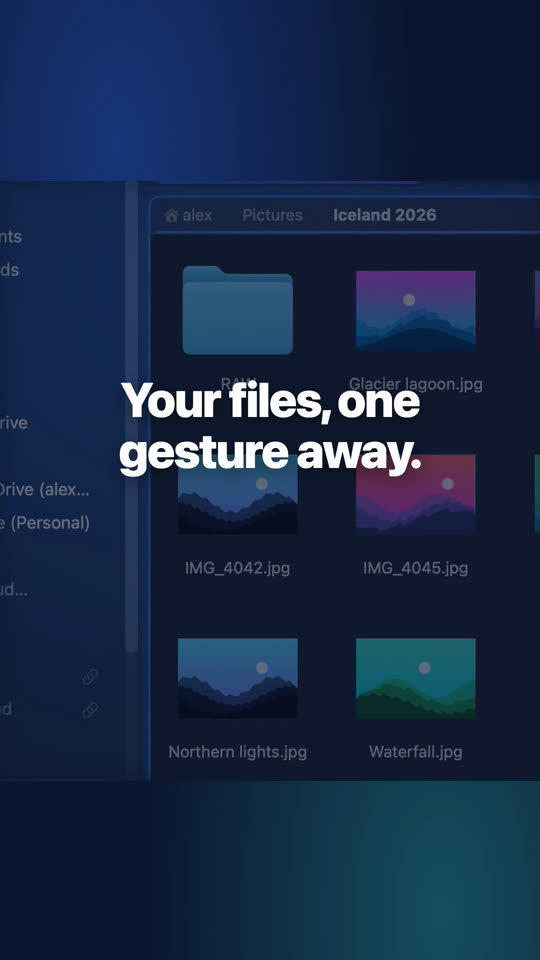
A drawer of files at the edge of the screen
It slides out over any app: drop files on its Shelf to keep them at hand, with your favorites and recent files.
-
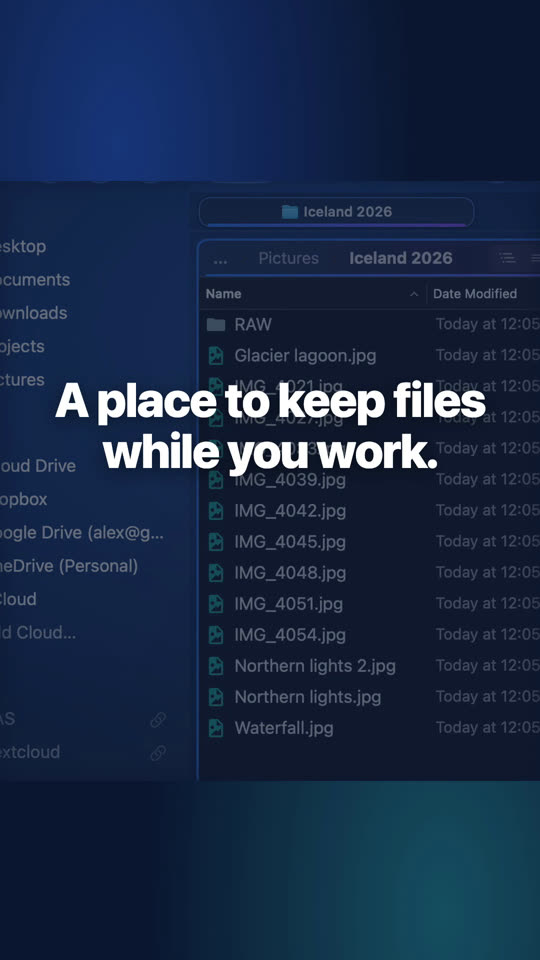
Keep files at hand
Drag files onto the Shelf, go to another folder, and drop them there. Nothing moves until you do.


Questions
A temporary place for files: drop them there from anywhere, then drag them out to their destination. Nothing is moved until you drop them somewhere.
Yes, the drawer, the Shelf, the clipboard history and the menu bar are in both editions.

See for yourself, free for 7 days
Every feature, no account, no credit card. Then $49.99, once, every future update included — no subscription.