
Terminal
A terminal that follows your folders
Open a terminal under any pane: it starts in that folder and follows it as you browse. No more cd into the path you are looking at.
- Follows the pane
- 15 color schemes
- iTerm2 and Ghostty themes
7 days free with every feature, no account, no card. Then $49.99 once for up to 3 Macs, every future update included — no subscription.

In short
In the website edition of Folia Files, each pane can show a terminal under it. It opens in the pane's folder and, with “Follow pane”, changes directory as you browse. It has fifteen color schemes, imports iTerm2 and Ghostty themes, and custom commands put your own scripts in the menus, with the selected files passed safely as arguments.
Where you are looking
Click the terminal button of a pane: a shell opens in that folder. Browse to another folder and the terminal follows — or turn “Follow pane” off to keep it where it is.
Your colors
Fifteen color schemes made to stay readable, or import any iTerm2 or Ghostty scheme — hundreds are online — and export your own.
Your commands, in the menus
Add your scripts as commands: they appear in the menus and act on the selected files. Paths are passed as arguments, never pasted into the script, so a strange file name can't break anything.
See it in action
-
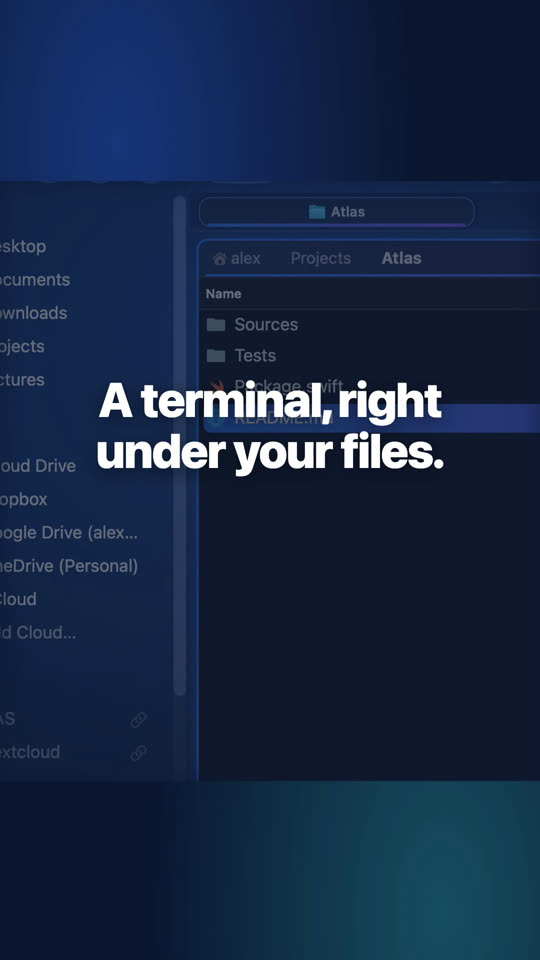
A terminal under any folder
⌥⌘T opens a terminal under the pane, in its folder. What you do there shows in the pane at once.
Website edition

Website edition and Mac App Store
The terminal and custom commands are in the website edition only: Apple's sandbox does not allow them in the Mac App Store edition.
Questions
Your login shell — zsh by default on macOS — with your usual configuration.
Keep reading
Panes, tabs and scenes
As many folders side by side as you need, eight views, layouts you save and reopen.
Folia Files vs ForkLift
The dual-pane classic and file-transfer client, compared feature by feature.
Folia Files vs Commander One
The Total Commander-style file manager and its PRO pack, compared.

See for yourself, free for 7 days
Every feature, no account, no credit card. Then $49.99, once, every future update included — no subscription.