
Search
Find anything, right away
Type a few letters and the file is there. Look for words inside documents and screenshots, or for what your photos show, add as many criteria as you like — or simply say what you want.
- Indexed on your Mac
- Text and images
- No account, no cloud
7 days free with every feature, no account, no card. Then $49.99 once for up to 3 Macs, every future update included — no subscription.

In short
Folia Files has four ways to search. ⌘P opens quick open: files, folders, tabs and commands as you type. The search (⇧⌘F, or a pane's magnifying glass) opens at the top of the tab: choose where — everywhere, a disk, folders — and what to look in — the name, the text of documents and screenshots, or what images show — add criteria and save searches in the sidebar. Ask Folia (⌃⌥Space) takes a sentence and shows what it will do before doing it. ⌘F searches the folder you're in as you type.
Quick open, from the keyboard
Press ⌘P and type a few letters: folders, files, open tabs and commands arrive as you type. Open the one you want, or show it in a pane.
⌘P quick open⌃⌥F Folia Files from any app⌃⌥Space Ask Folia from any app
Search inside documents and images
Choose what to look in. Text: the documents that contain every word you type — PDFs, Word, Pages, Excel, Keynote, text and code, through Spotlight — and the screenshots and scans whose text says them. Images: the photos that show what you type — a beach, a dog, a car, a sunset — as macOS has recognized them. Nothing is read while you search: results come at once. To go further, Folia Files can read your pictures in the background while the Mac is plugged in — their text and what they show, kept on your Mac (Settings › Search, off until you turn it on). Each result says why it was found.
Capitals, accents and word order don't matter, and a word is found by its start (“invoic” finds “invoice”). The text of documents comes from Spotlight, in every language it reads; where Spotlight can't go — a server, a folder it skips — Folia Files reads the documents itself. The text in screenshots and scans is the text macOS has read in them; Folia Files' own reading recognizes it in the language of the app, and in English and French. The ⓘ next to the search says what each one covers.

Ask Folia, in plain words
Write what you want — “move the screenshots on my Desktop to Screenshots”, “PDFs over 5 MB downloaded this month” — and Folia Files shows exactly which files and what it will do, before doing anything. ⌃⌥Space from any app. It runs on your Mac, with Apple Intelligence when it is available.

One search, and saved searches
The toolbar's Find button, ⇧⌘F, a pane's magnifying glass, a saved search or a tag: every search opens at the top of the tab, next to your folders. Choose where — everywhere, a disk, folders — and what to look in — the name, the text or what images show — and Folia Files picks the fastest way: its own index for names, Spotlight for the text of documents and for what images show. Add criteria in one click — kind, size, dates, tags… — joined by “and” or “or”. Save a search and it sits in the sidebar, always up to date, like a folder that files itself.
Search “Everywhere” — every disk and cloud of this Mac at once — or tick the places you want, as many as you like. Open a saved search to change its criteria, and update it in place.
To look in the folder you're in, ⌘F opens a field right under the pane's header and searches it, subfolders included, as you type.

Suggested names, and recent downloads
Folia Files reads your screenshots, photos, scans and documents and suggests a meaningful name and tags — on the Mac. Your latest downloads wait in one list, ready to file, rename or send to the Trash.
See it in action
-
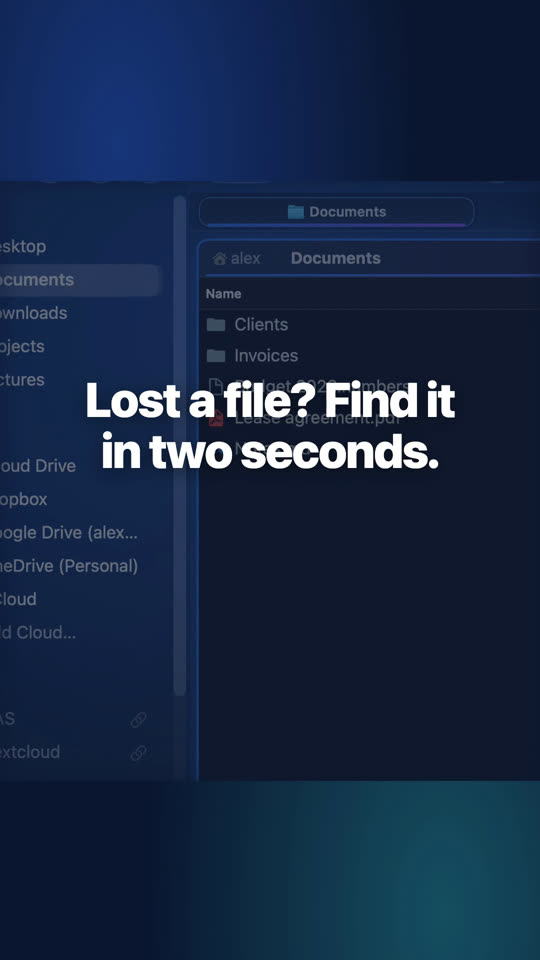
Find any file in seconds
⌘F searches the folder and every folder inside it; ⌘P jumps to any file or folder on the Mac.
-
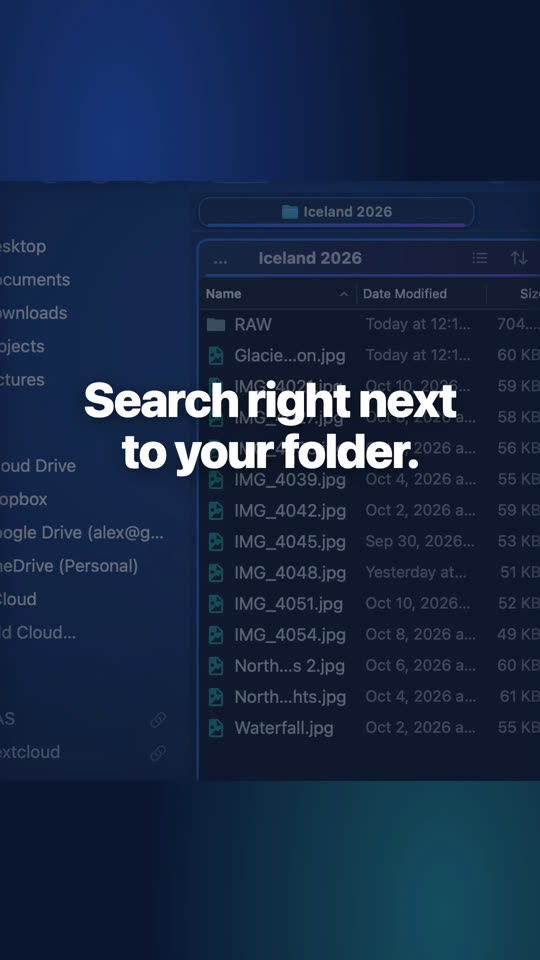
Search beside your folder
The Search module sits beside the folder: results as you type, criteria when you need them.


Questions
No. Folia Files' index, Spotlight and the reading of your images — their text and what they show — all run on your Mac. Nothing leaves it.
It works with it: the search asks Spotlight for the text of documents, and reads them itself where Spotlight can't go. Folia Files adds its own index for names, instant and always up to date, and, if you turn it on, reads your pictures itself, for what Spotlight hasn't seen.
Keep reading

See for yourself, free for 7 days
Every feature, no account, no credit card. Then $49.99, once, every future update included — no subscription.