
Layouts module
Your scenes and workspaces always at hand, each with its miniature — one click opens a saved tab or a whole saved window.
The Mac App Store edition is coming soon. The website edition has everything. Compare the editions
On this page
The Layouts module lists your scenes (a tab saved as it is: its layout, and each pane's folder and view) and your workspaces (a whole window: its tabs and their panes, and its place), each with a miniature of its panes. It does what the toolbar's Layouts button does, without opening a menu.
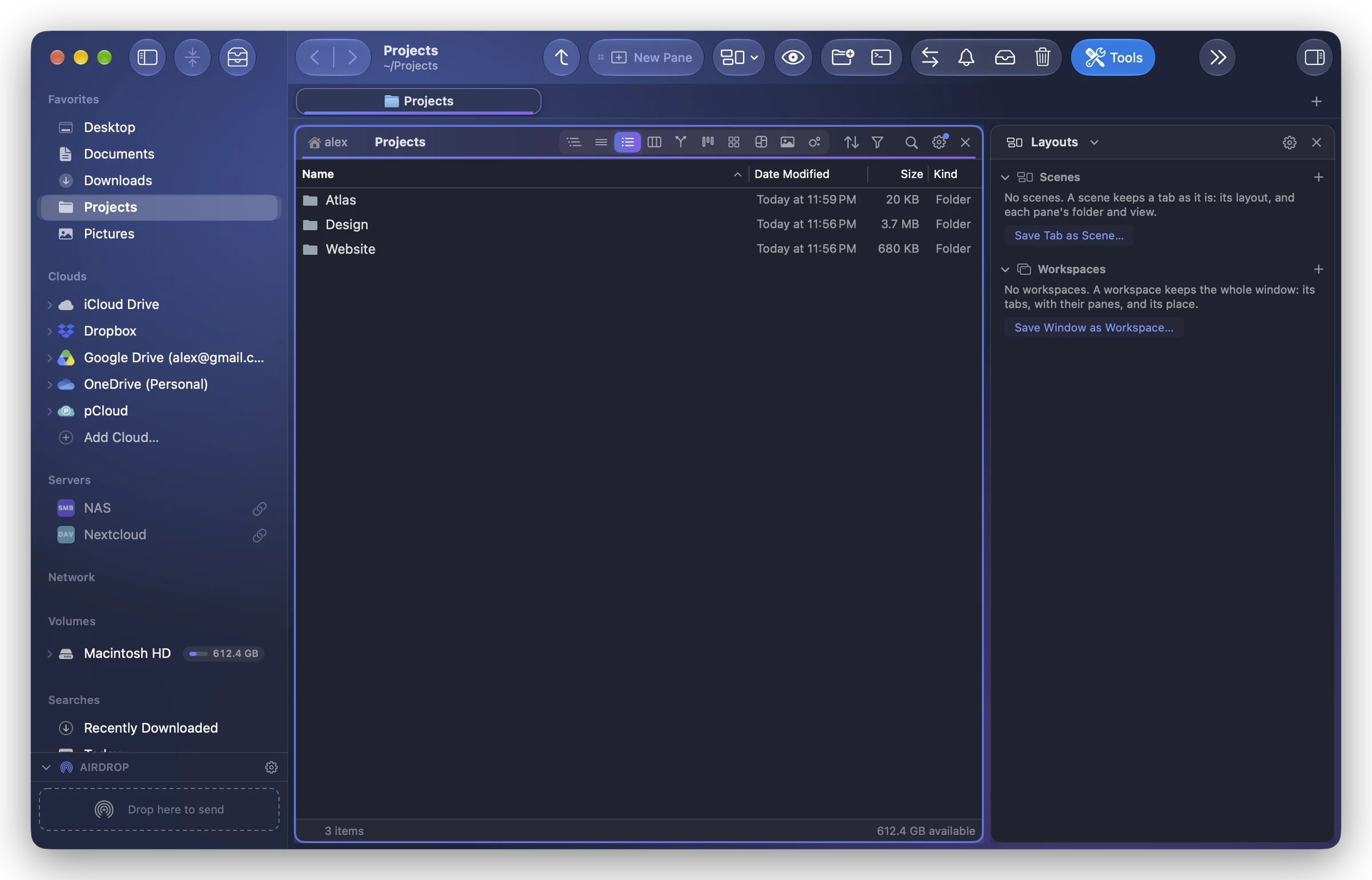
Open a layout
- Click a scene: it opens in a new tab. ⌥-click: it replaces this tab.
- Click a workspace: its tabs open in this window, in place of the current ones. ⌥-click: in a new window.
In a sidebar, each one is a line with a small miniature; in a wide module pane (from about 420 points), cards with a larger miniature showing each pane's view and folder.
Save and manage
- The + of each section saves: Save Tab as Scene… or Save Window as Workspace… (also in the gear menu).
- Right-click a scene: Open in New Tab, Open Instead of This Tab, Update with This Tab…, Rename…, Delete….
- Right-click a workspace: Open in This Window, Open in New Window, Replace with Current Window…, Delete….
- The gear menu also has All Scenes…, the grid of every scene (⌘⇧T).
Each section folds with its title; the folded state is the same in every copy of the module and after a relaunch.